


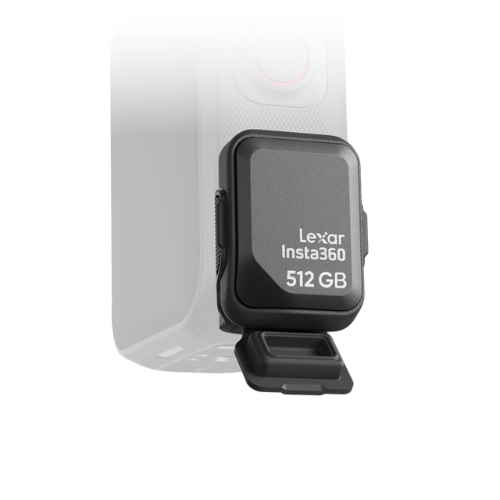

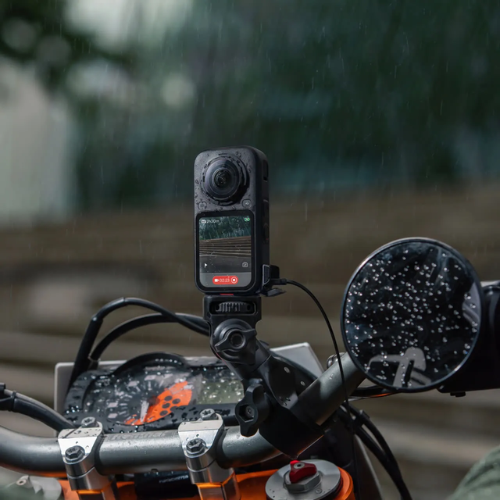

All-Weather USB Charging Cover
Keep shooting, rain or shine.
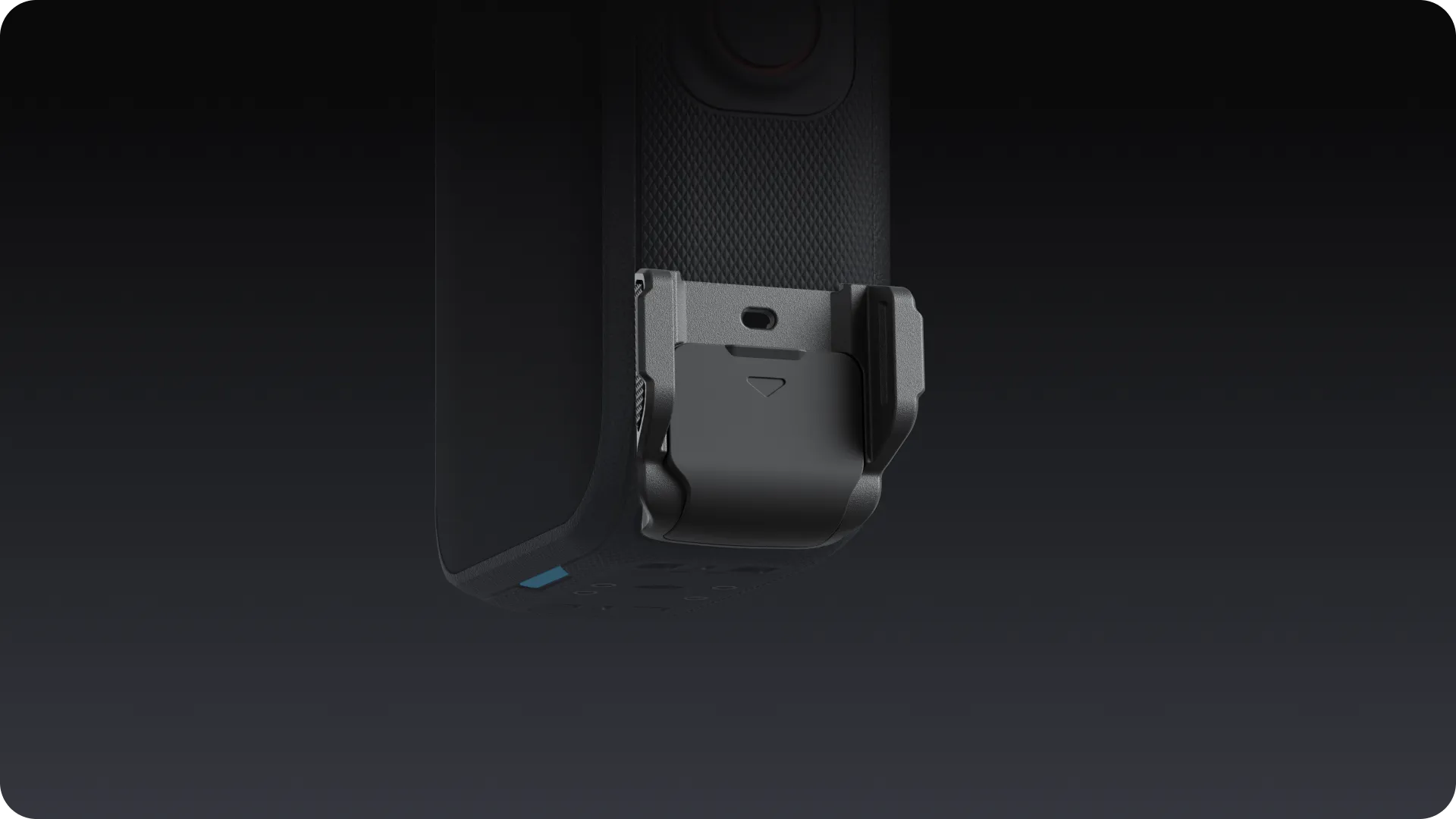
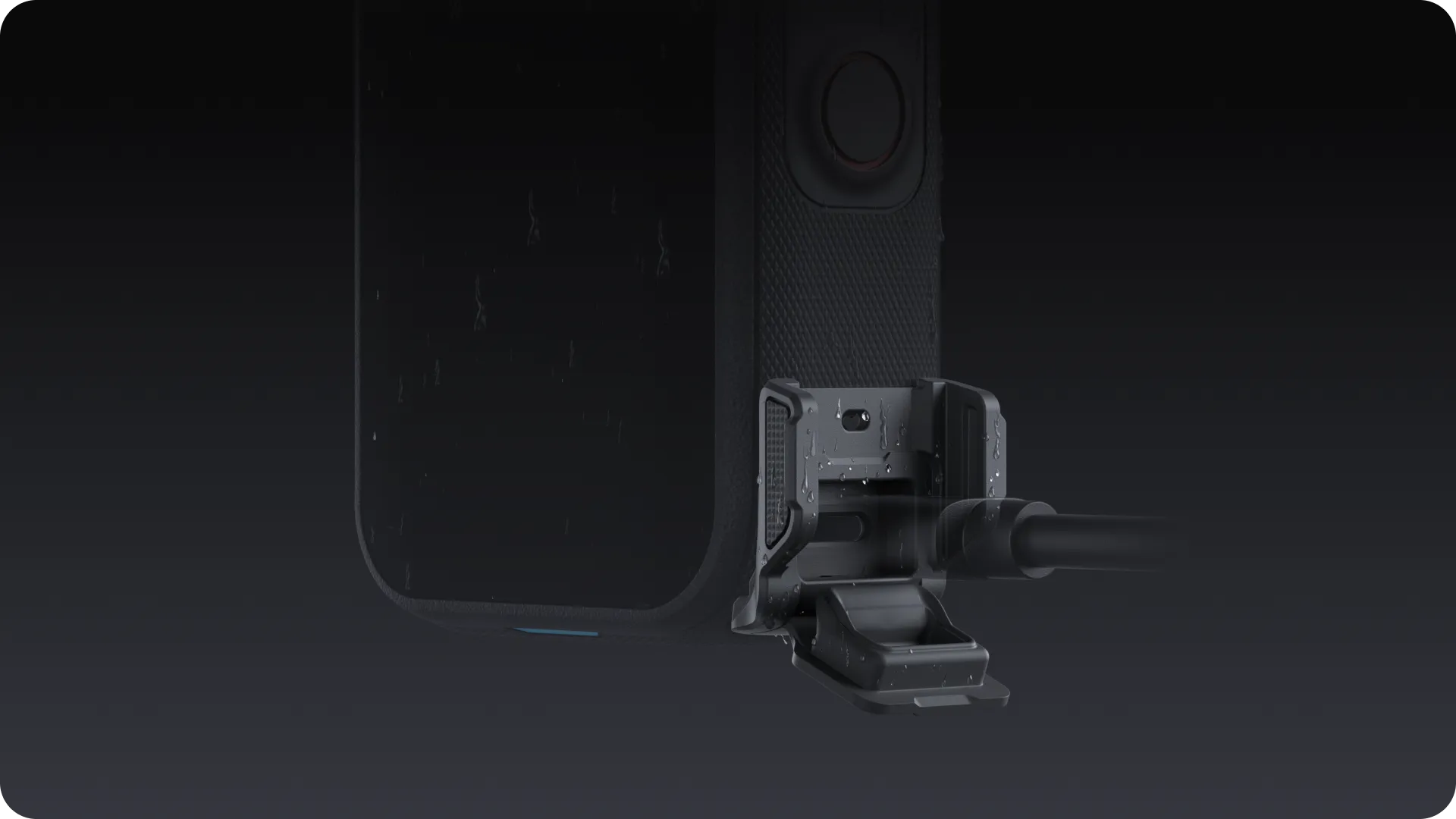
Weatherproof charging for non-stop shooting.
Maintains IPX4 water resistance while plugged in, letting you charge safely during rainy shoots.
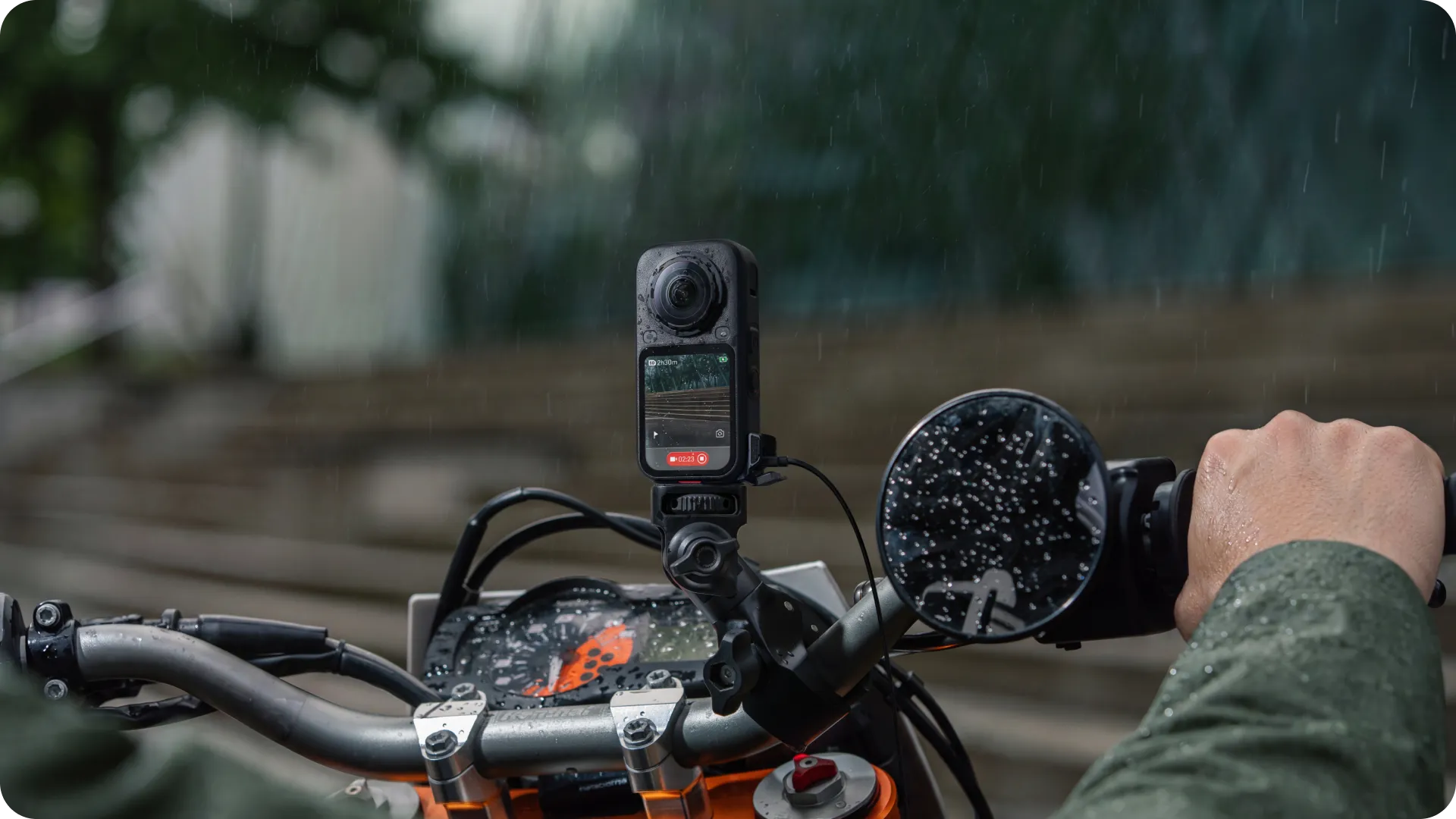
*The IPX4 splash resistance rating is tested under specific laboratory conditions. Actual protection may vary depending on usage environments, device condition, and other factors. Avoid prolonged exposure to heavy rain, and do not submerge in water.
Integrated interface protection for extra peace of mind.
An integrated silicone plug seals the USB-C port when not in use to prevent water intrusion.
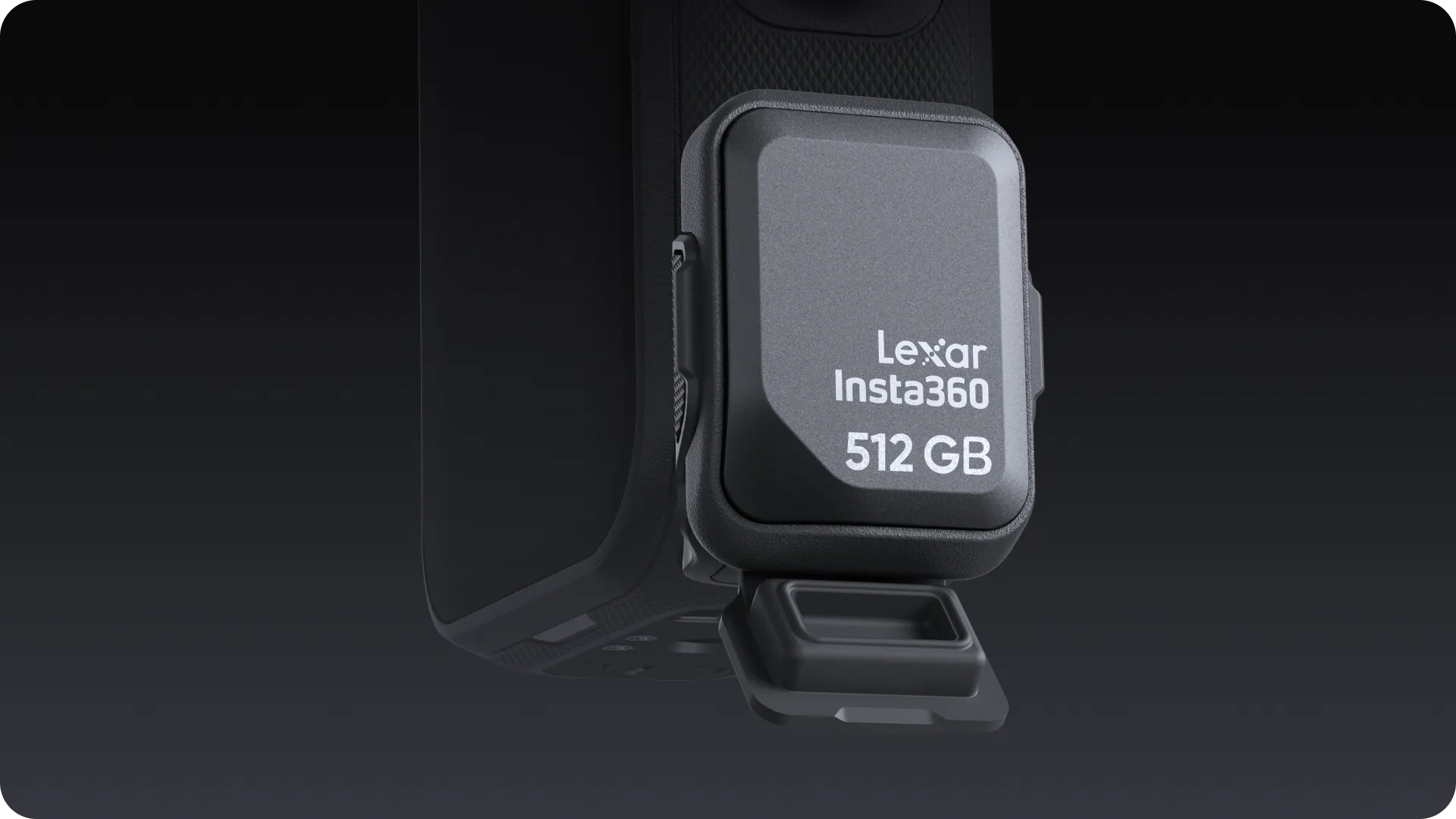
High-speed data transfers in any weather.
Connects to the Quick Reader for stable, high-speed file management even in wet conditions.
Notes
- The All-Weather USB Charging Cover is compatible with the Insta360 Quick Reader 512GB Portable SSD and the Insta360 X6 Utility Frame.
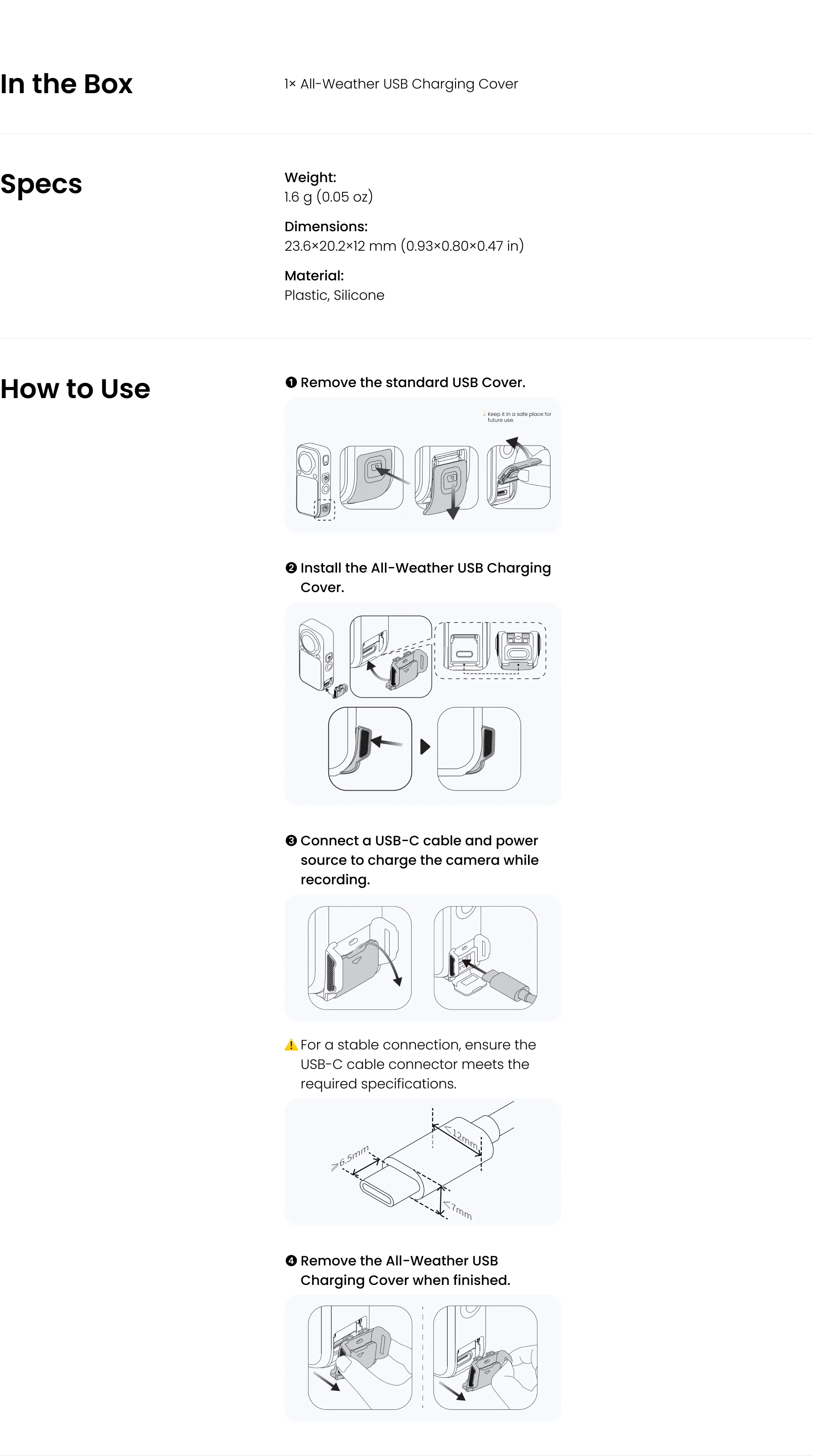
- We recommended using an official Insta360 charging cable.
- Ensure the camera is clean and dry before installing the All-Weather USB Charging Cover.
- Make sure the USB-C cable and the camera's USB-C port are clean and dry. If water enters the USB-C port, wipe it and let it dry completely before charging the camera.
- To charge the camera while recording in rainy conditions, replace the standard USB Cover with the All-Weather USB Charging Cover, and ensure the connected power source is waterproof.
- If the camera gets wet, thoroughly dry it and shake out any water trapped in the gaps around the All-Weather USB Charging Cover before opening it to prevent water from entering the camera.
- When not charging, close the silicone plug to protect the USB-C port from dust, sand, and water.
- The All-Weather USB Charging Cover is splash-resistant only and should not be submerged in water. For underwater use, replace it with the standard USB Cover and ensure it is firmly closed.
- Do not apply excessive force when installing or removing the cover to avoid damaging the camera or accessory.