Skip to product information
1 of 3

Lau (International) Distribution Pte Ltd

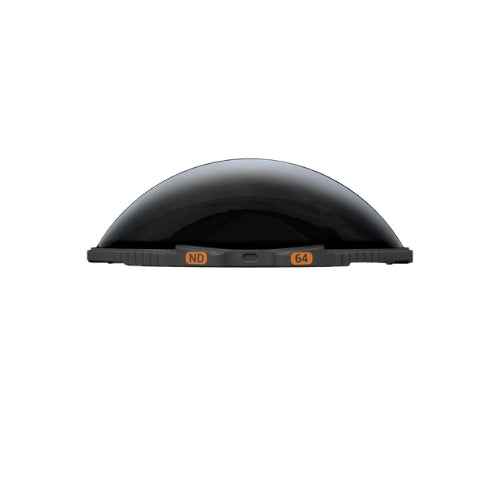
Insta360 X5 ND64 Filters

Insta360 X5 ND64 Filters

Regular price $89.00 SGD
Regular price Sale price $89.00 SGD
Sale Sold out
Quantity

Insta360 X5 ND64 Filters

  • Tackle bright lighting with ND filters that cut glare and enhance cinematic motion blur.
  • Enable longer exposures to capture light trails, night scenes, and dramatic motion effects.
  • X5 auto-detects ND filters for accurate colors and seamless post-processing.

ND64 Filters

The cinematic shots you've been looking for.
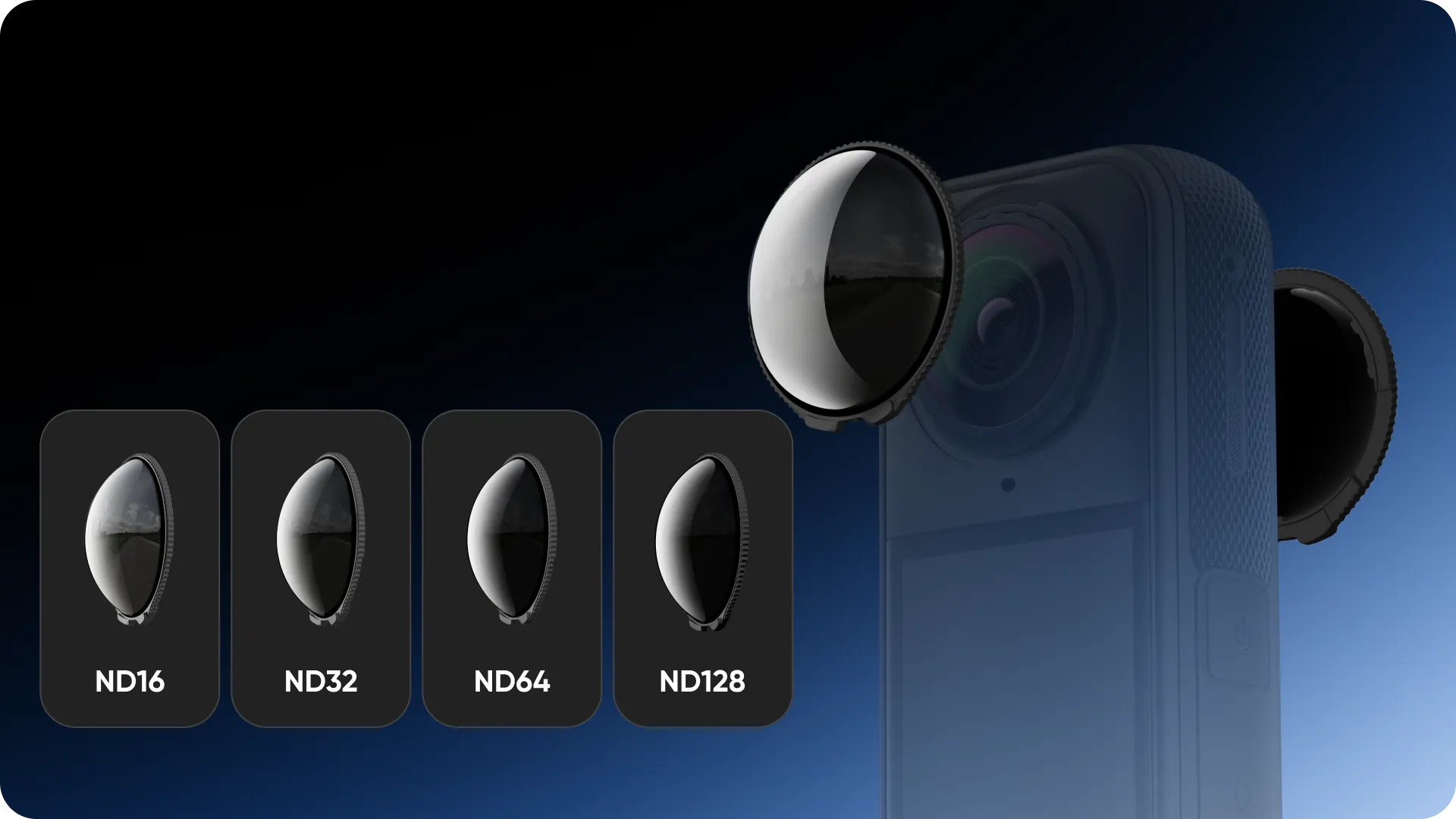

Simply stunning against strong light.

Freely pick an ND filter to master your conditions.
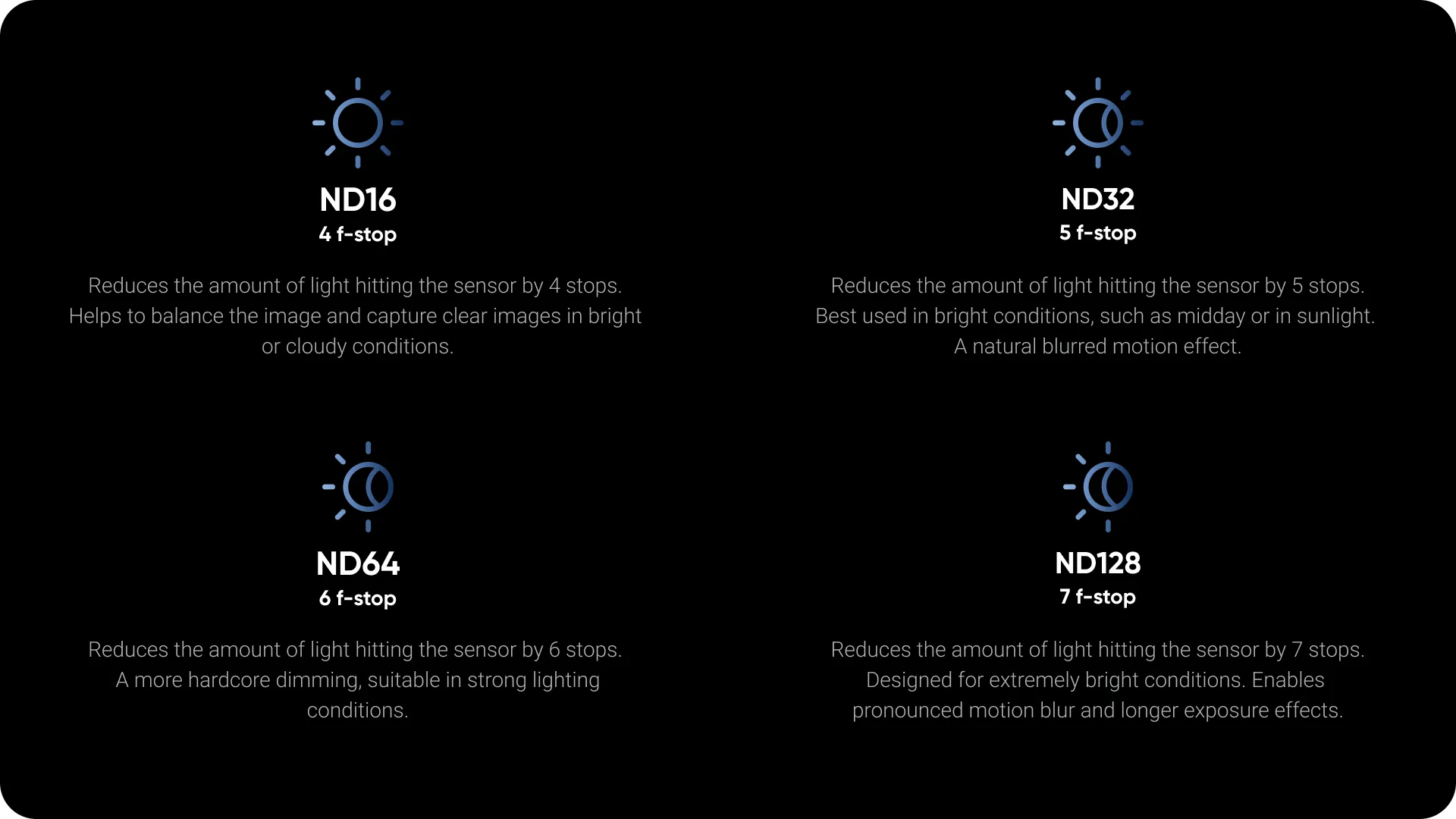

Blurs like a pro.

Pair our ND Filters with your Insta360 X5 for immersive motion blur effects.
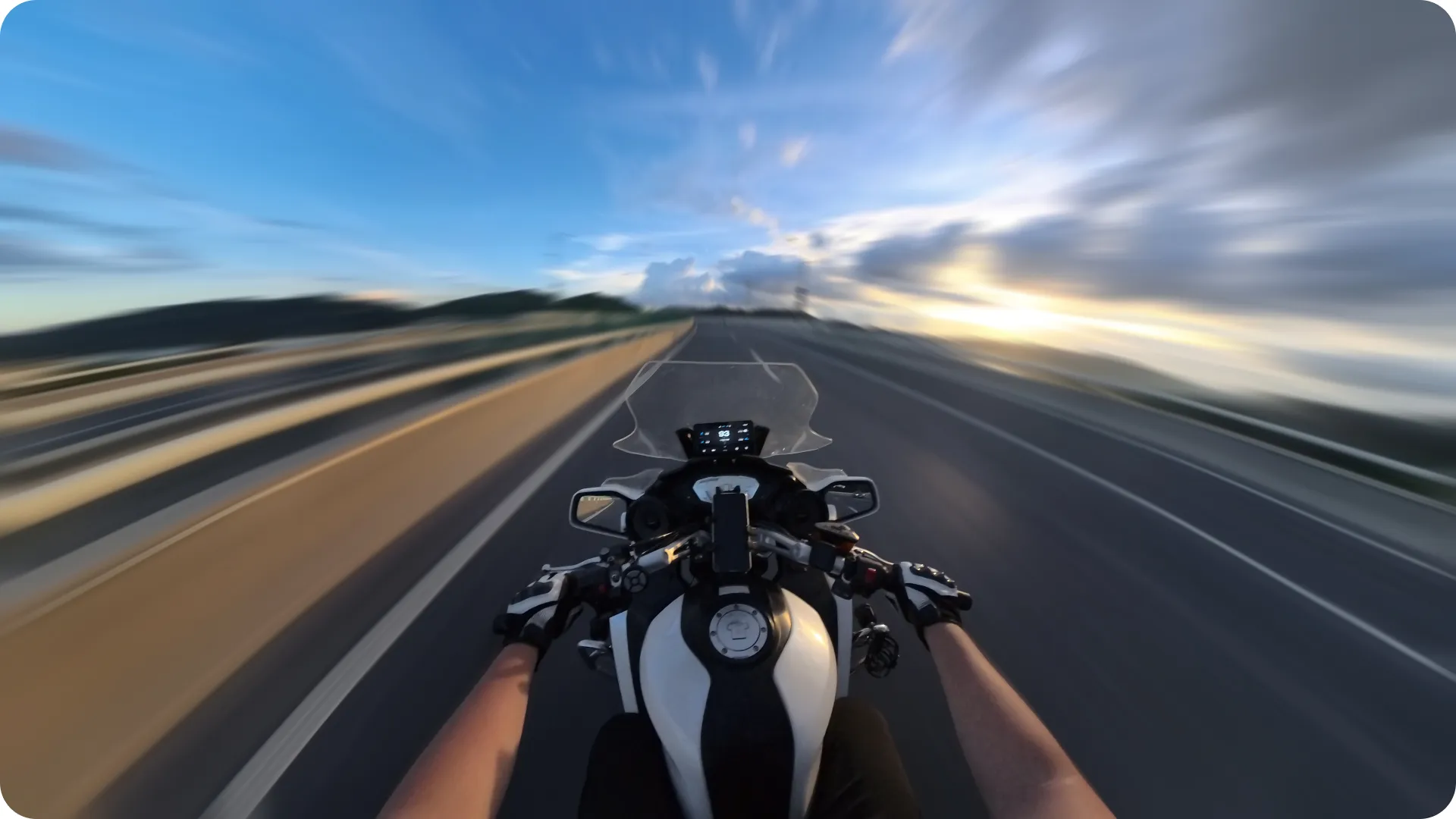

Masterful long exposure shots.

Produces a brilliant effect for streaky night city lights.


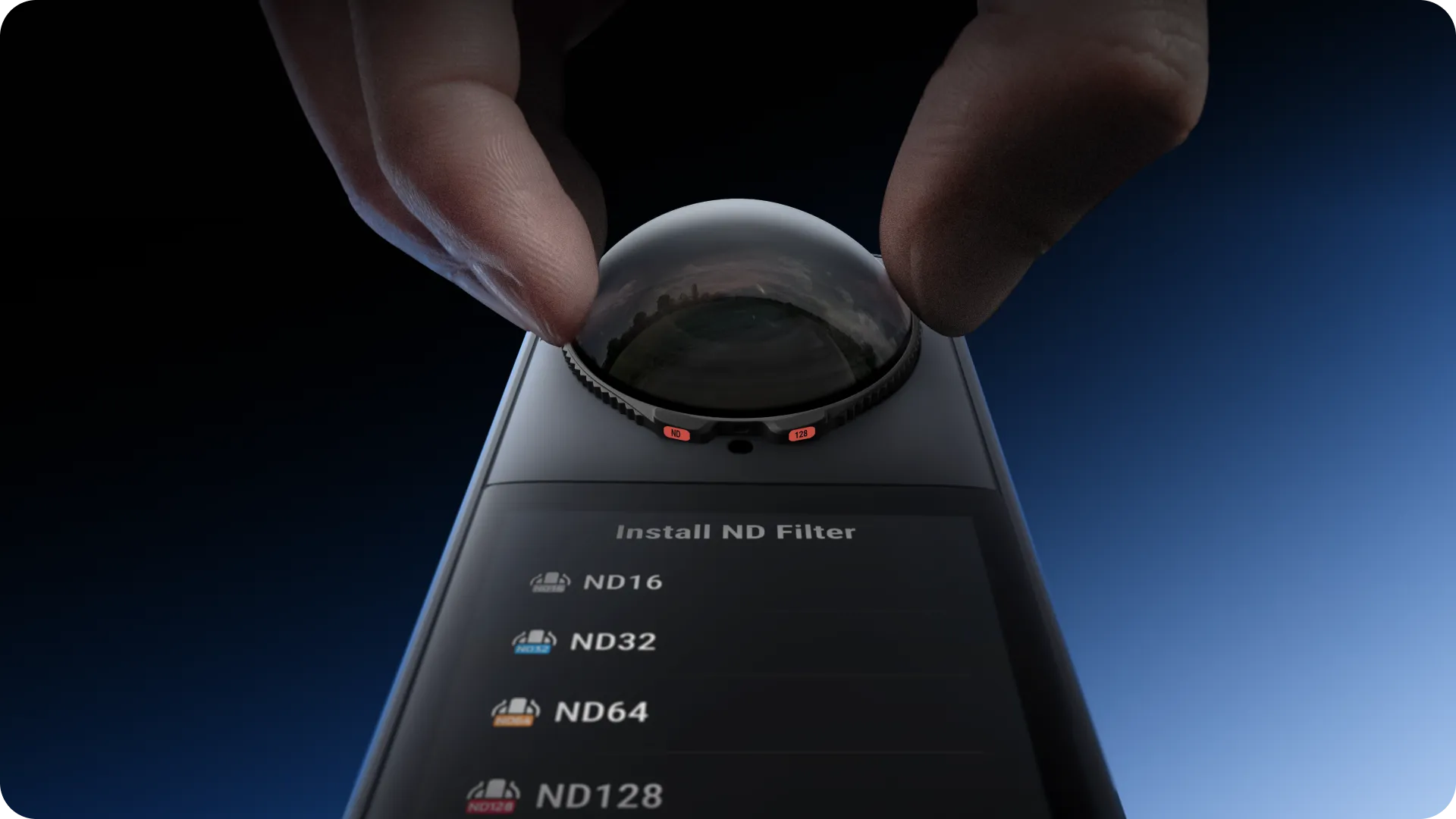
Just clip on, and go.

X5 automatically recognizes your ND filters and corrects the image. Just focus on the action!

Tempered glass, scratch and wear-resistant.

The toughest protection for the toughest 360 camera in the game, with a hardness of 10H*.
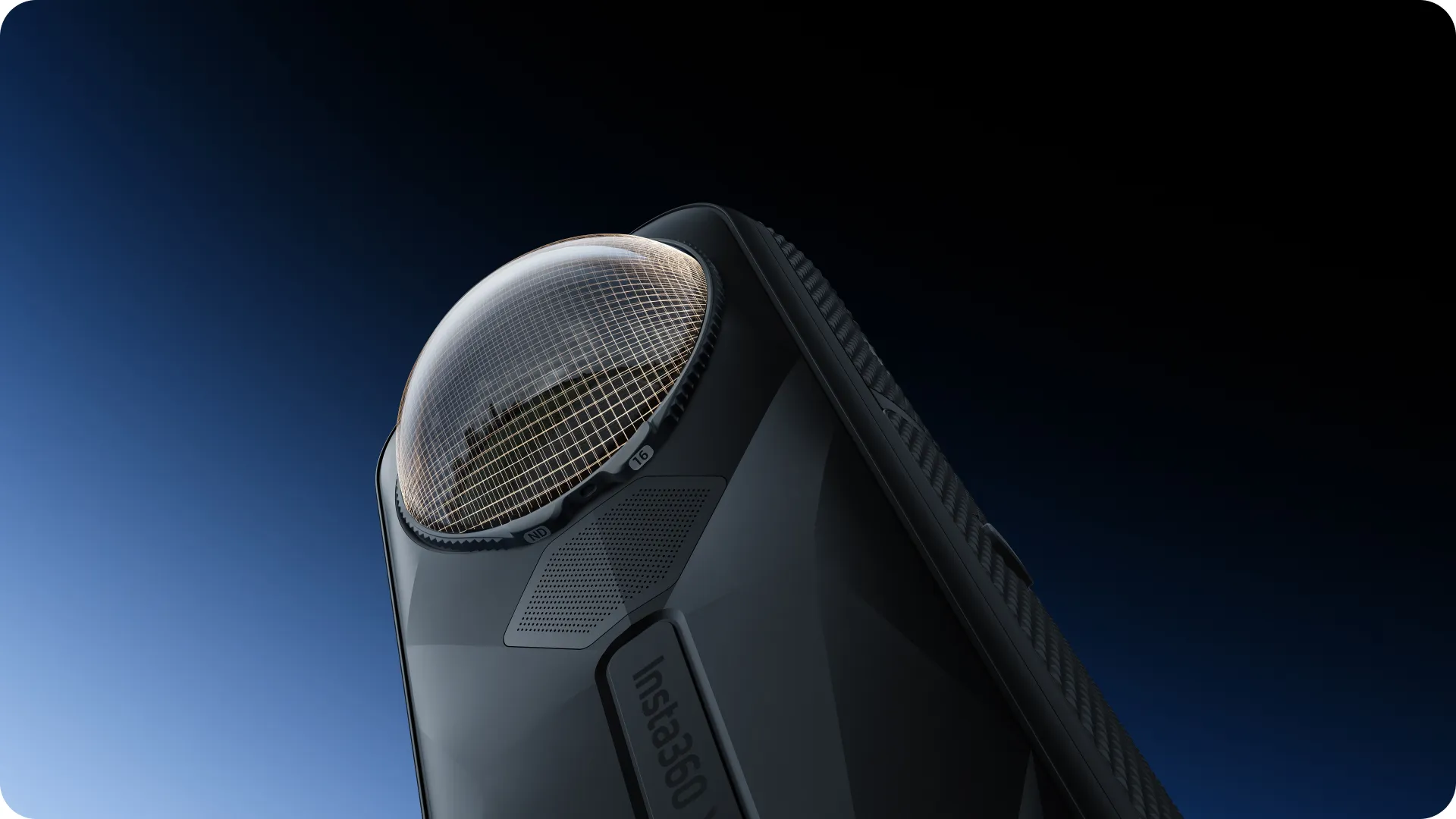
*Note: Glass strength tested in lab conditions.
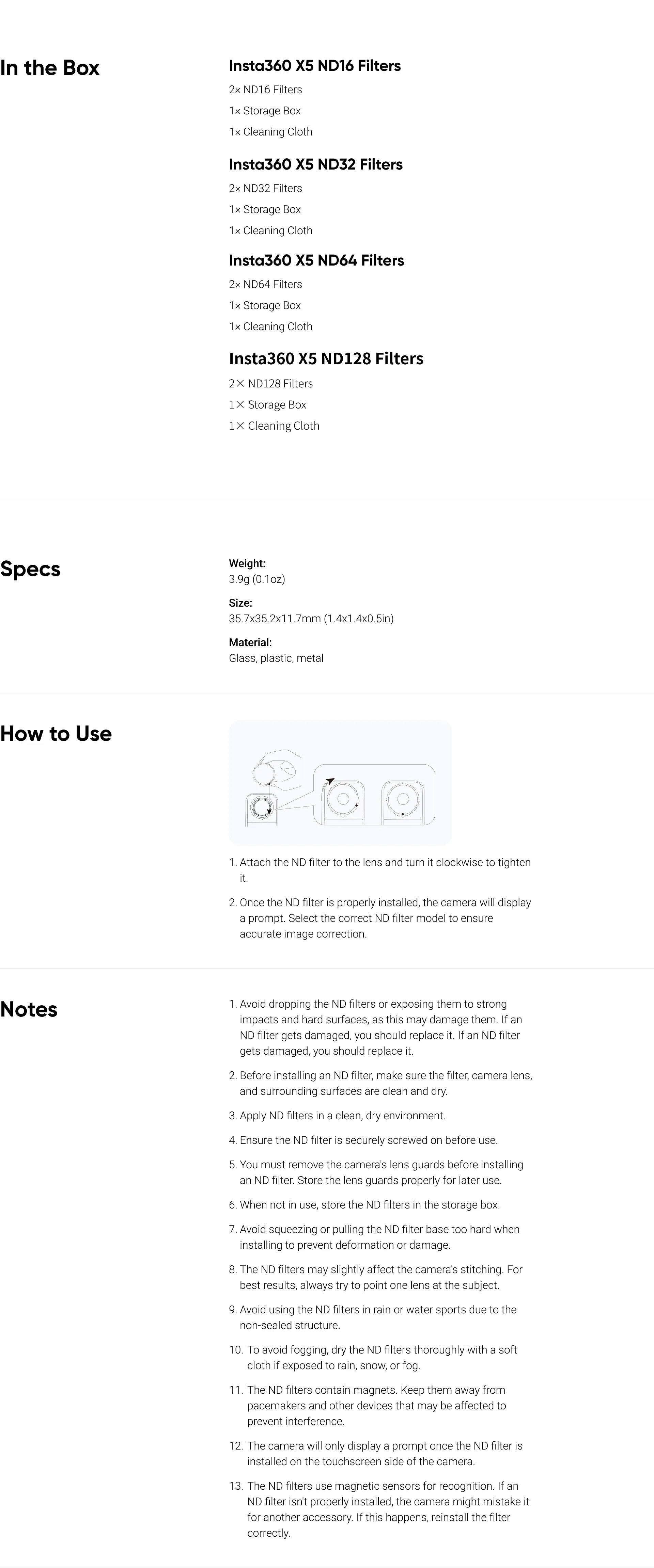

Notes
  1. Avoid dropping the ND filters or exposing them to strong impacts and hard surfaces, as this may damage them. If an ND filter gets damaged, you should replace it.
  2. Before installing an ND filter, make sure the filter, camera lens, and surrounding surfaces are clean and dry.
  3. Apply ND filters in a clean, dry environment.
  4. Ensure the ND filter is securely screwed on before use.
  5. You must remove the camera's lens guards before installing an ND filter. Store the lens guards properly for later use.
  6. When not in use, store the ND filters in the storage box.
  7. Avoid squeezing or pulling the ND filter base too hard when installing to prevent deformation or damage.
  8. The ND filters may slightly affect the camera's stitching. For best results, always try to point one lens at the subject.
  9. Avoid using the ND filters in rain or water sports due to the non-sealed structure.
  10. To avoid fogging, dry the ND filters thoroughly with a soft cloth if exposed to rain, snow, or fog.
  11. The ND filters contain magnets. Keep them away from pacemakers and other devices that may be affected to prevent interference.
  12. The camera will only display a prompt once the ND filter is installed on the touchscreen side of the camera.
  13. The ND filters use magnetic sensors for recognition. If an ND filter isn't properly installed, the camera might mistake it for another accessory. If this happens, reinstall the filter correctly.
View full details