


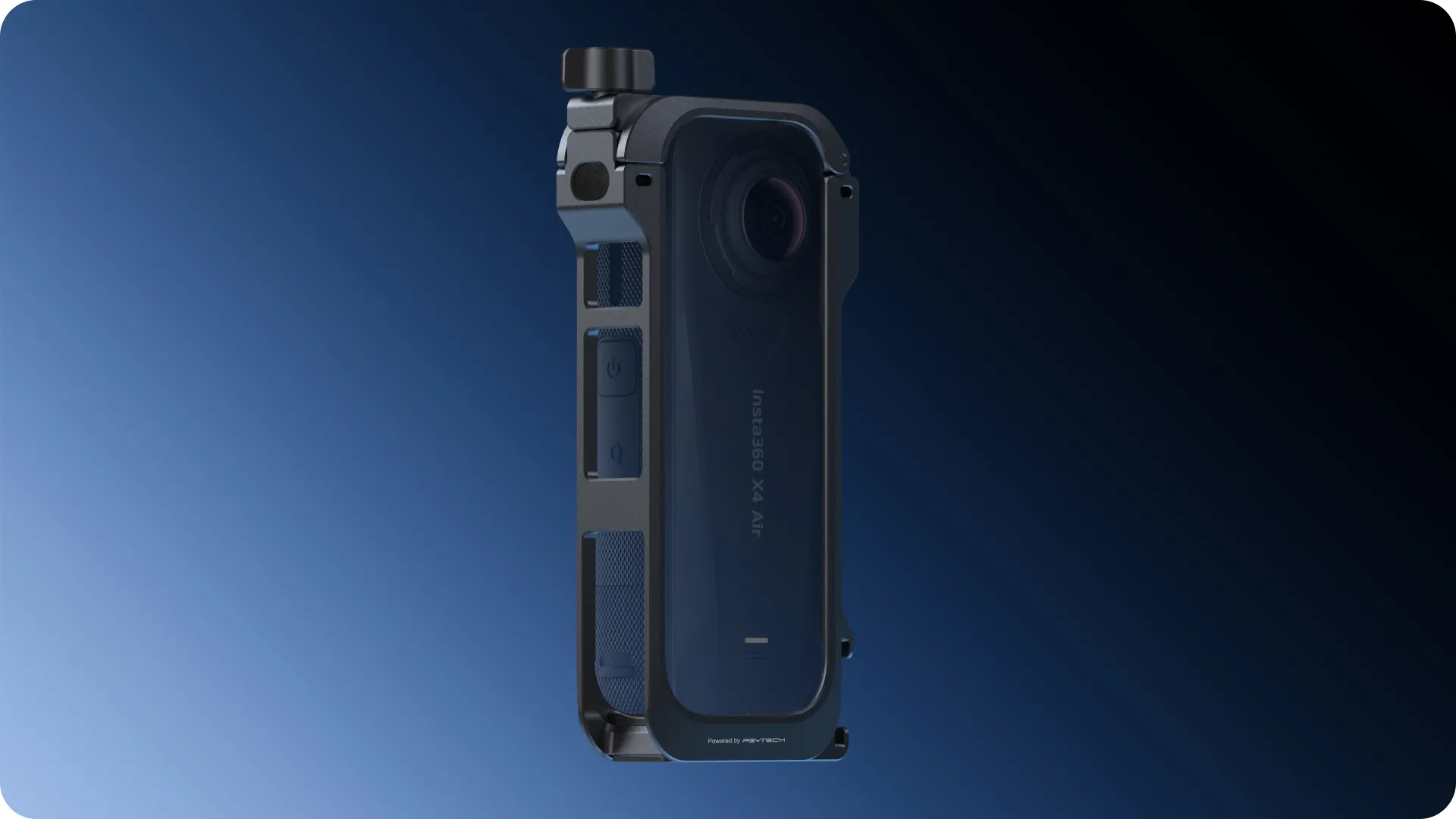
Insta360 X4 Air Utility Frame
- Lightweight metal frame provides all-round protection.
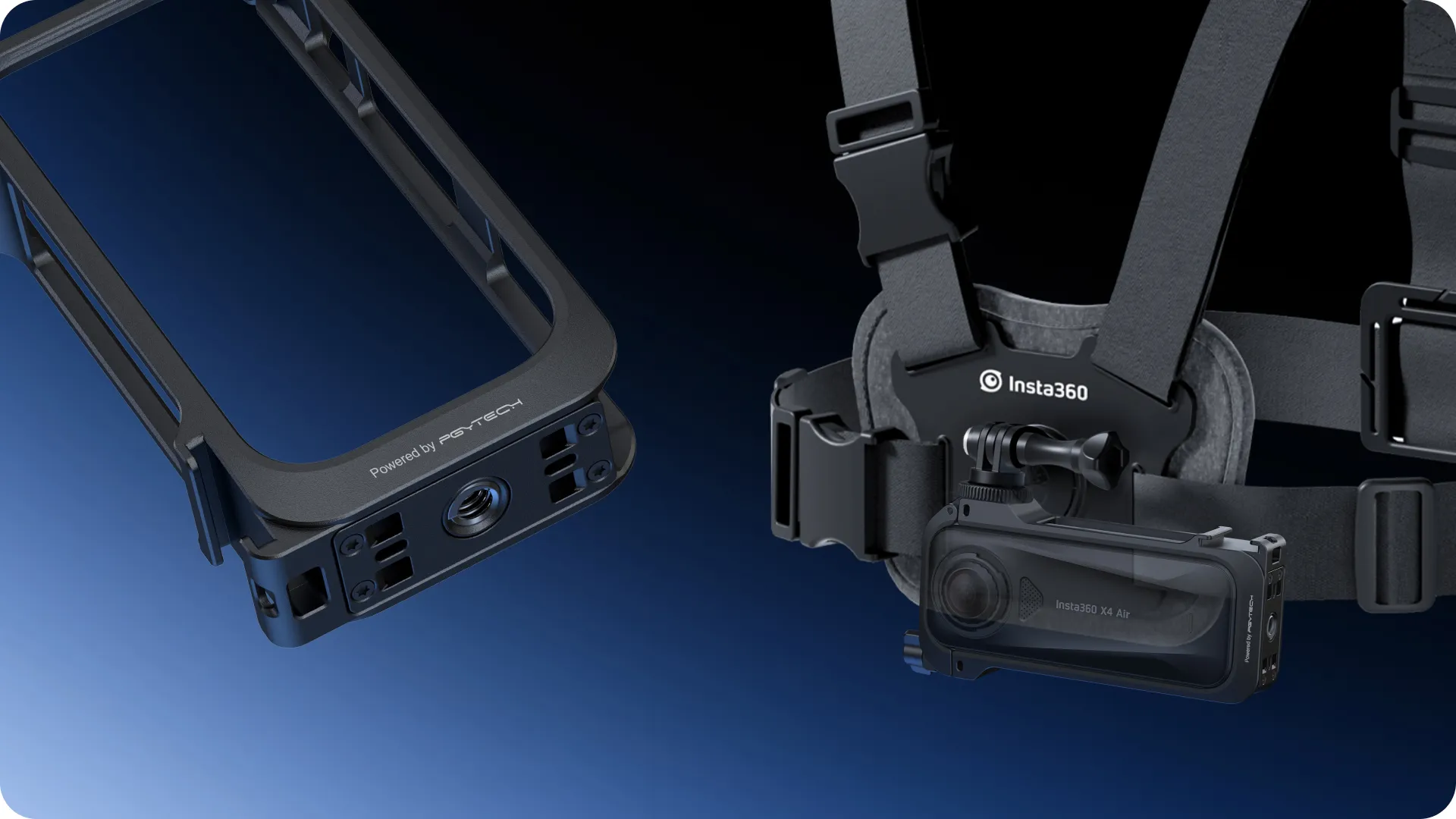
- Features a quick release mounting point, one cold shoe mount and two 1/4" mounting points to attach external accessories.
- Premium quality Mic Windshields ensure clear audio in windy conditions or at high speeds.
Utility Frame
Multipurpose mount, all-round protection.
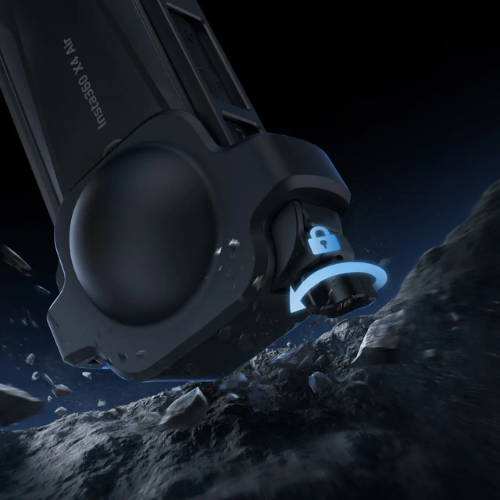
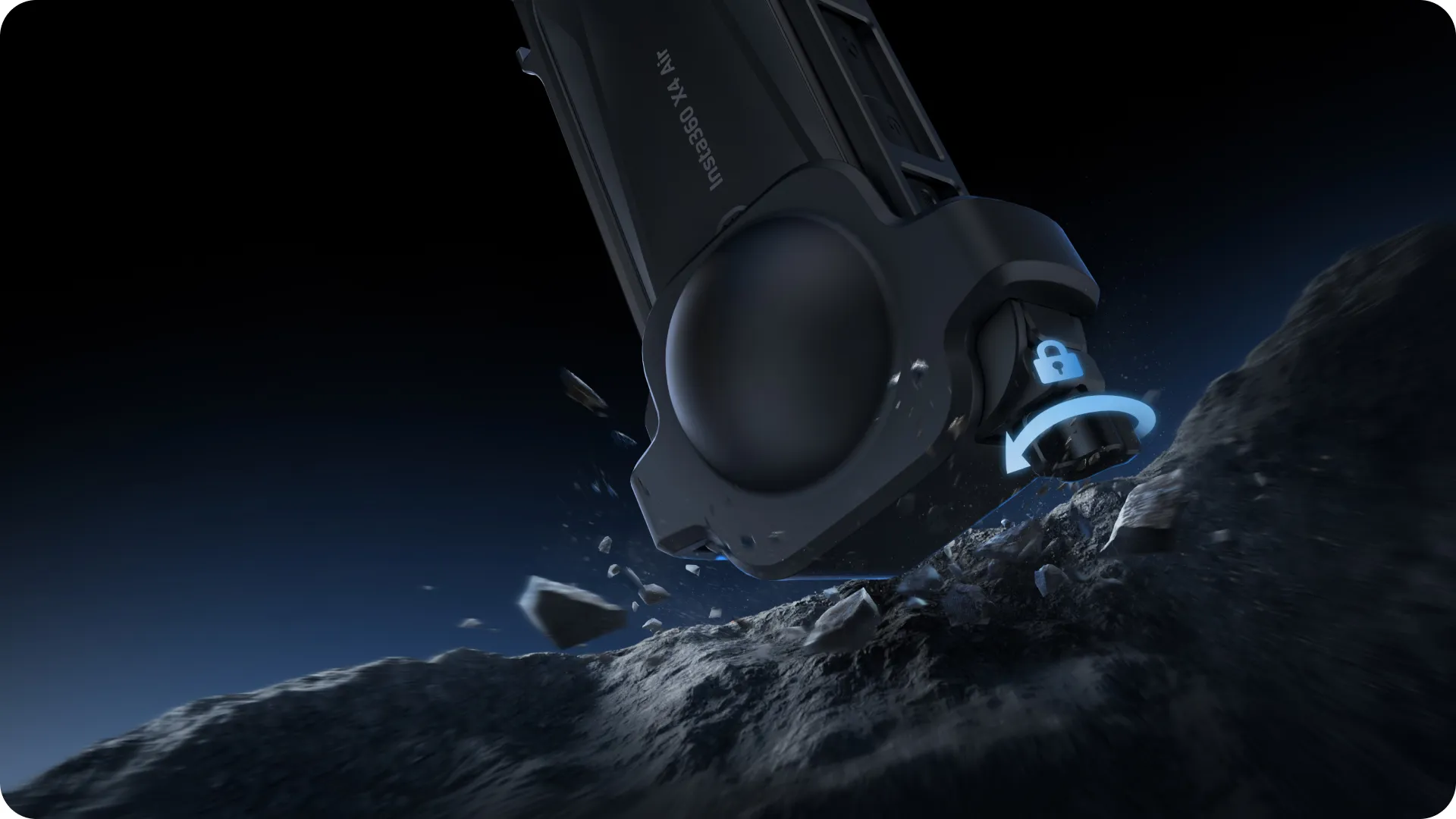
360 security for your 360 camera.
All-metal frame with reliable screw-lock design and lens cap for solid protection.
Lightweight armor.
Tough doesn't have to mean heavy. The upgraded design keeps your setup light, so you can shoot for longer.
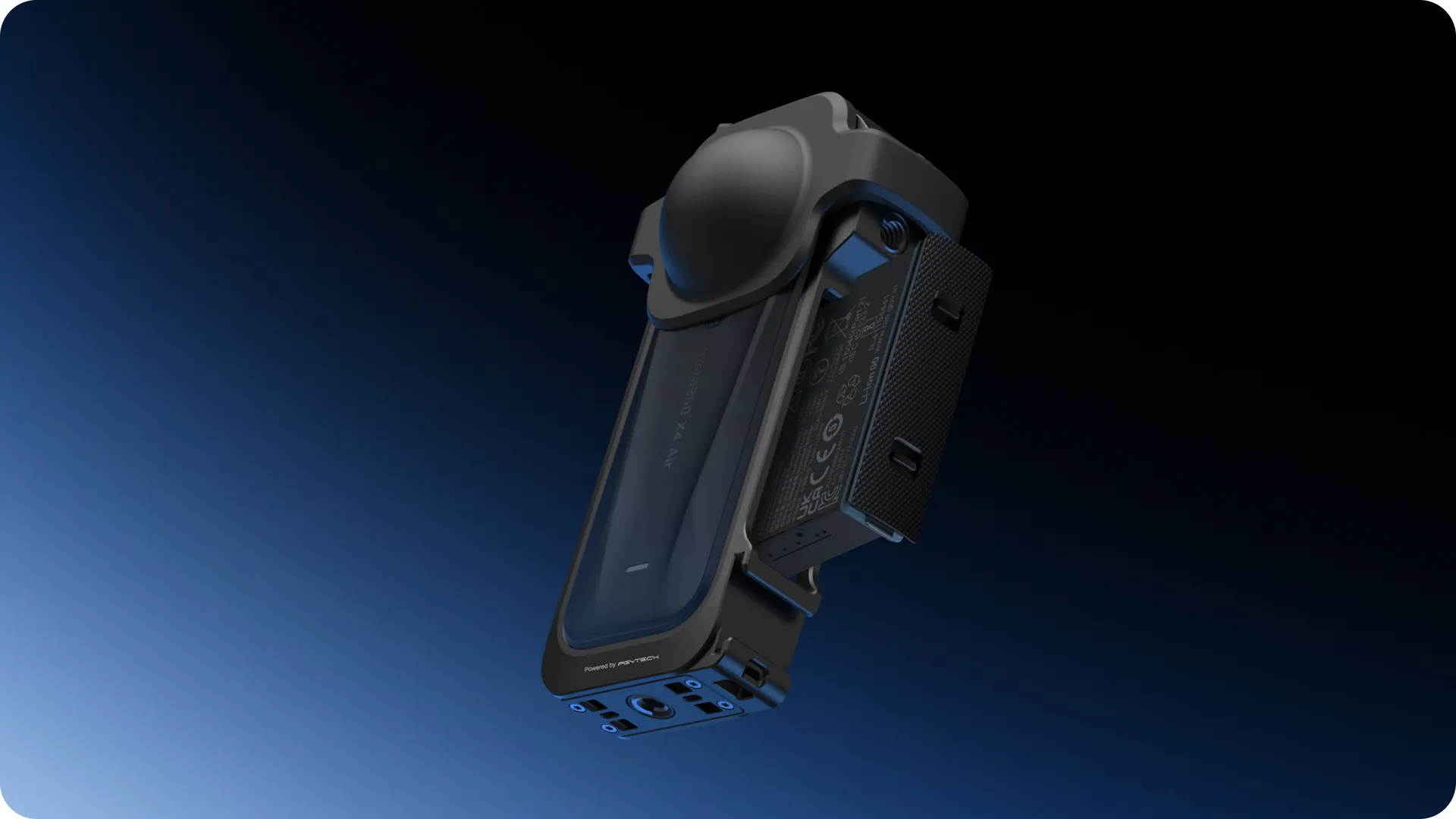
Full flexibility.
The cold shoe mount lets you add your favorite accessories—like a mic or light—without weighing down your rig.
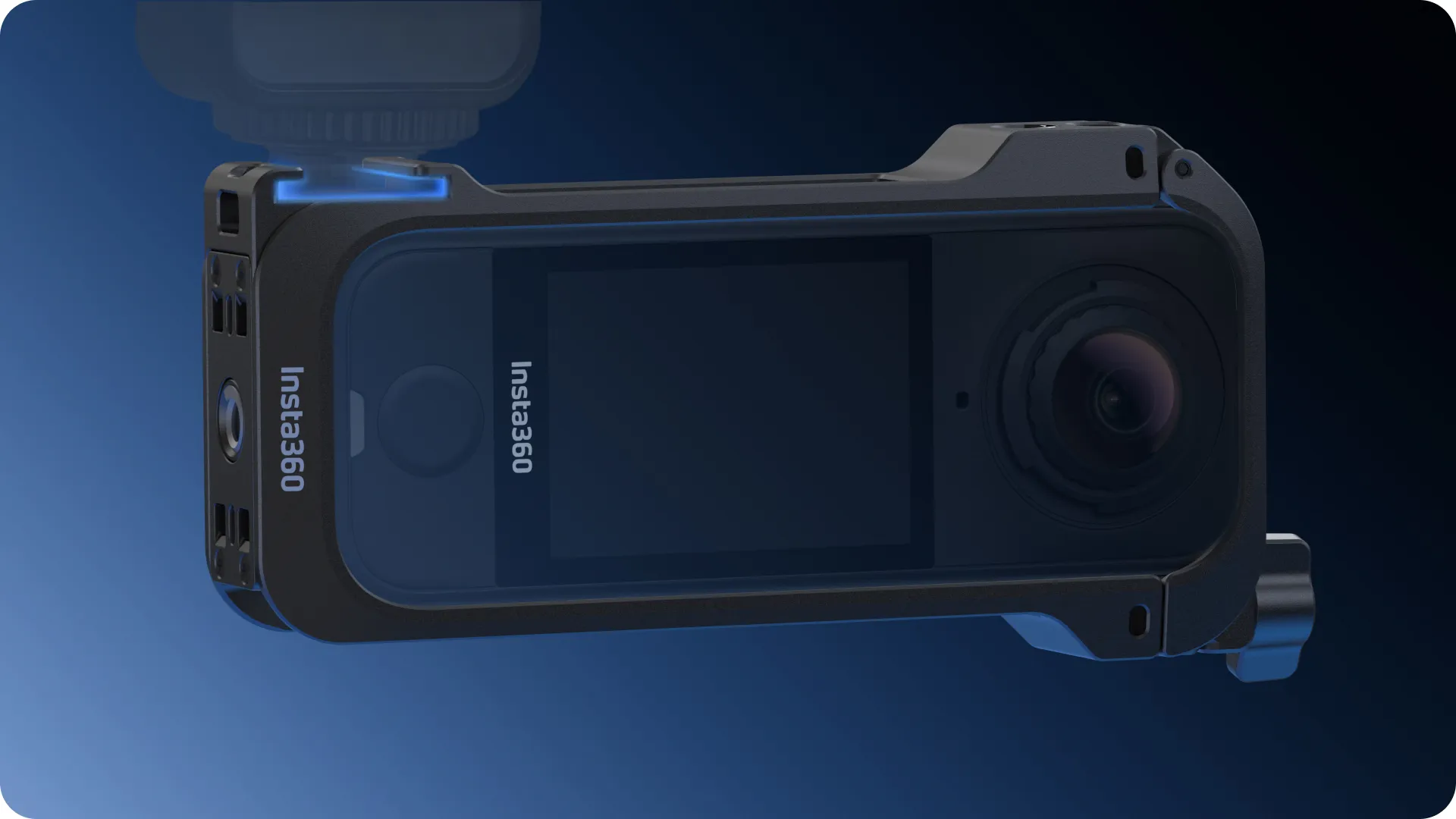
Switch up in seconds.
The quick-release and 1/4" mounting points keep things versatile. Easily switch between horizontal and vertical shots in a flash.
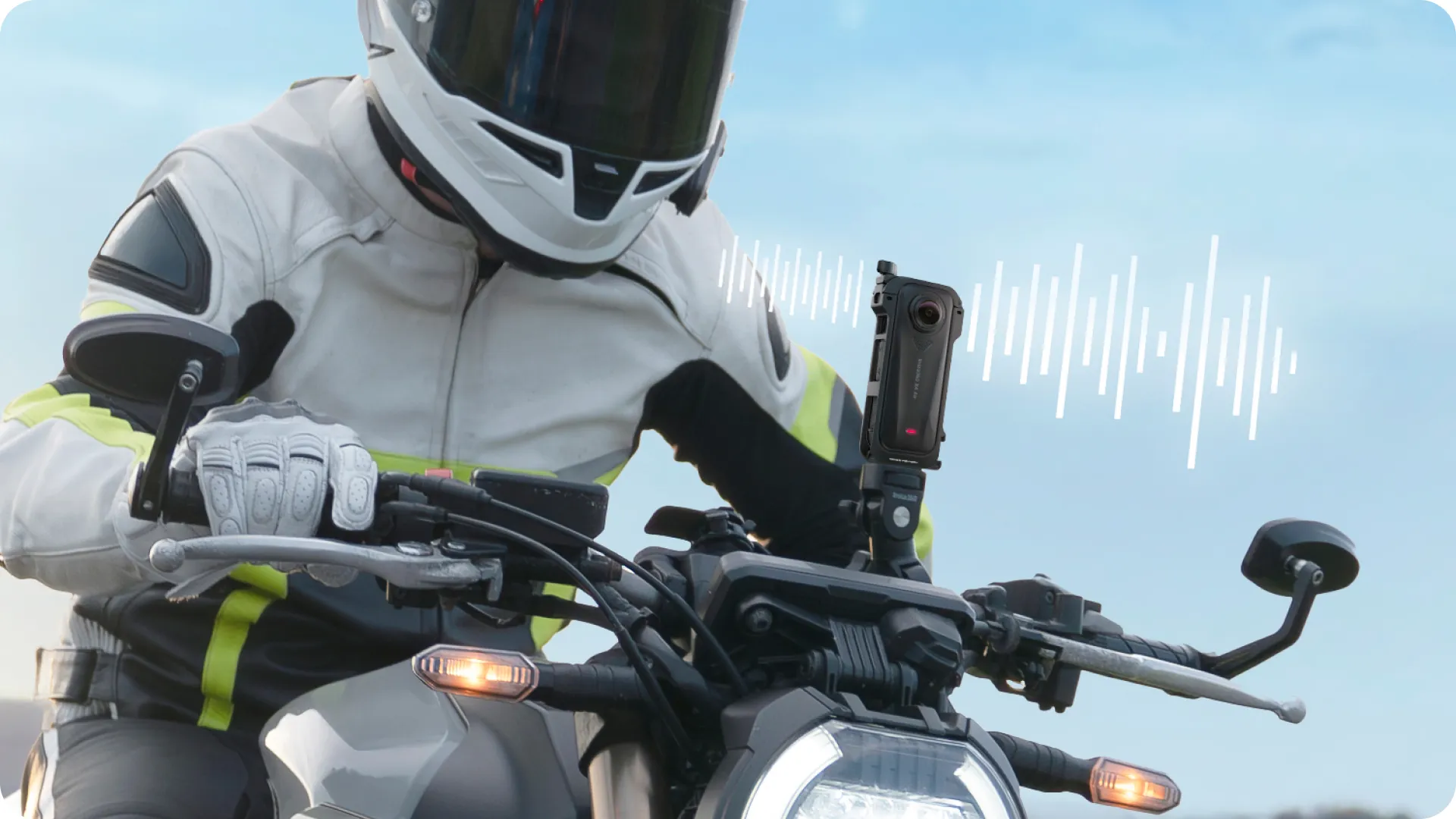
Wind? No worries.
Mic Windshields made of premium acoustic foam cut through wind noise for crisp, clean sound, even at high speeds.
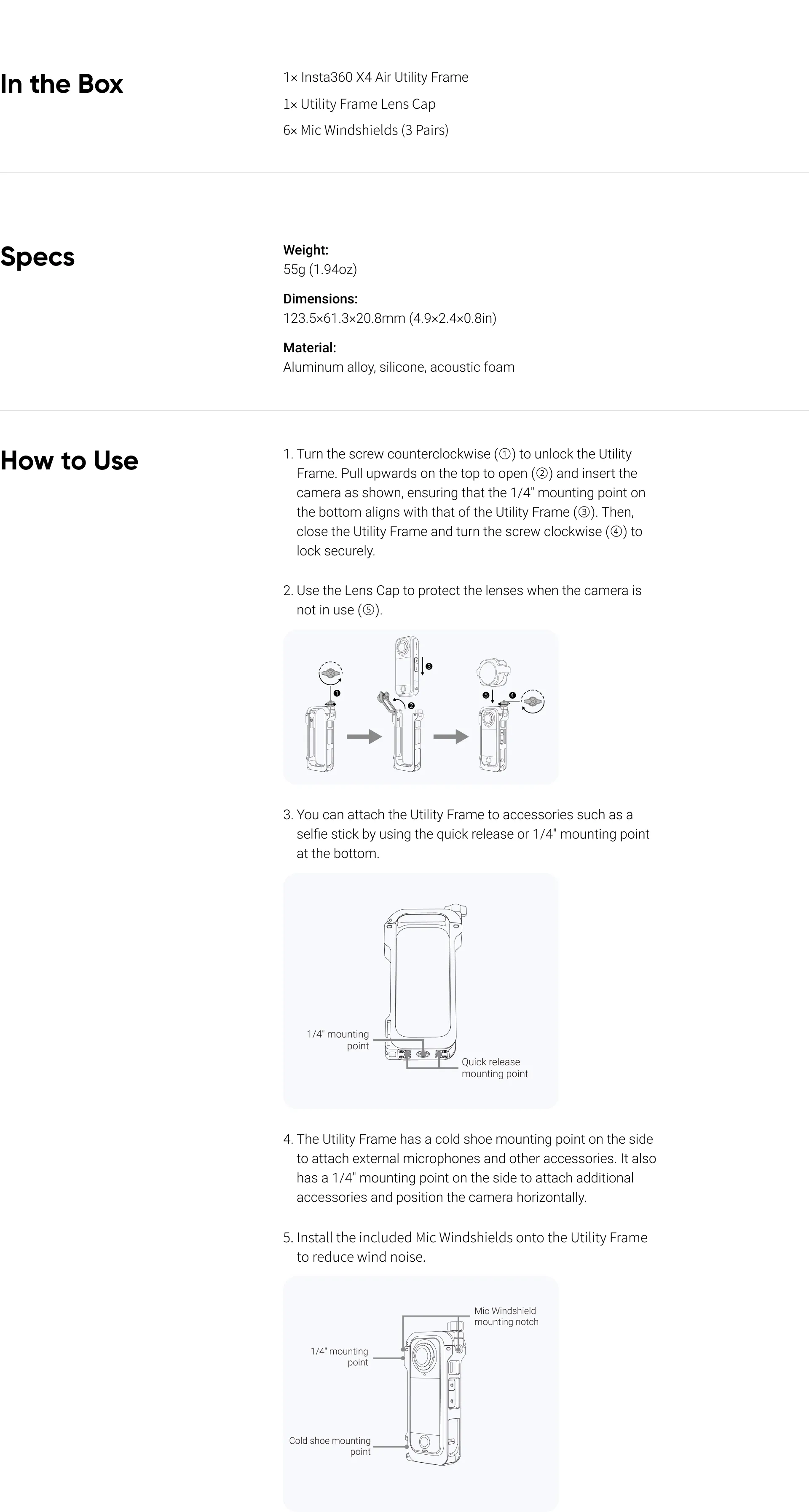
1. Only insert the camera into the Utility Frame in the method shown in this manual. When done correctly, the camera's battery and USB covers can be opened without removing the Utility Frame.
2. Ensure the 1/4" mounting point at the bottom of the camera is correctly aligned with the mounting point of the Utility Frame. It should not be at an angle.
3. After installation, ensure the screw at the top of the Utility Frame is securely locked.
4. When there is no need for noise reduction, remove the Mic Windshields from the Utility Frame to prevent damage or loss.
5. Do not use the Mic Windshields in wet conditions, as dampness may affect wind noise reduction.
6. When not in use, store the Mic Windshields in a dry environment to avoid dampness and moisture.