


Insta360 Mini Power Handle
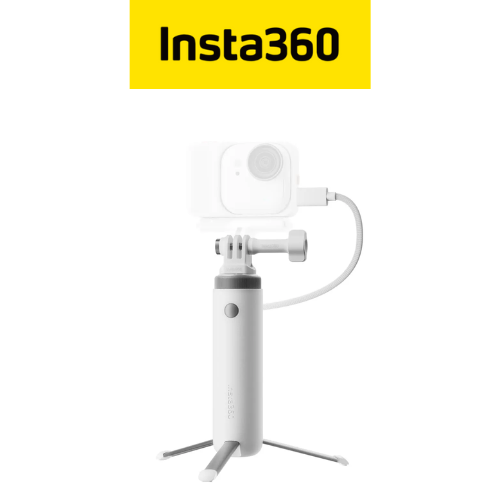
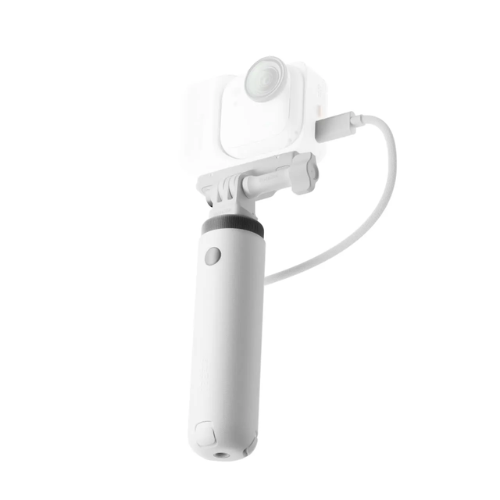
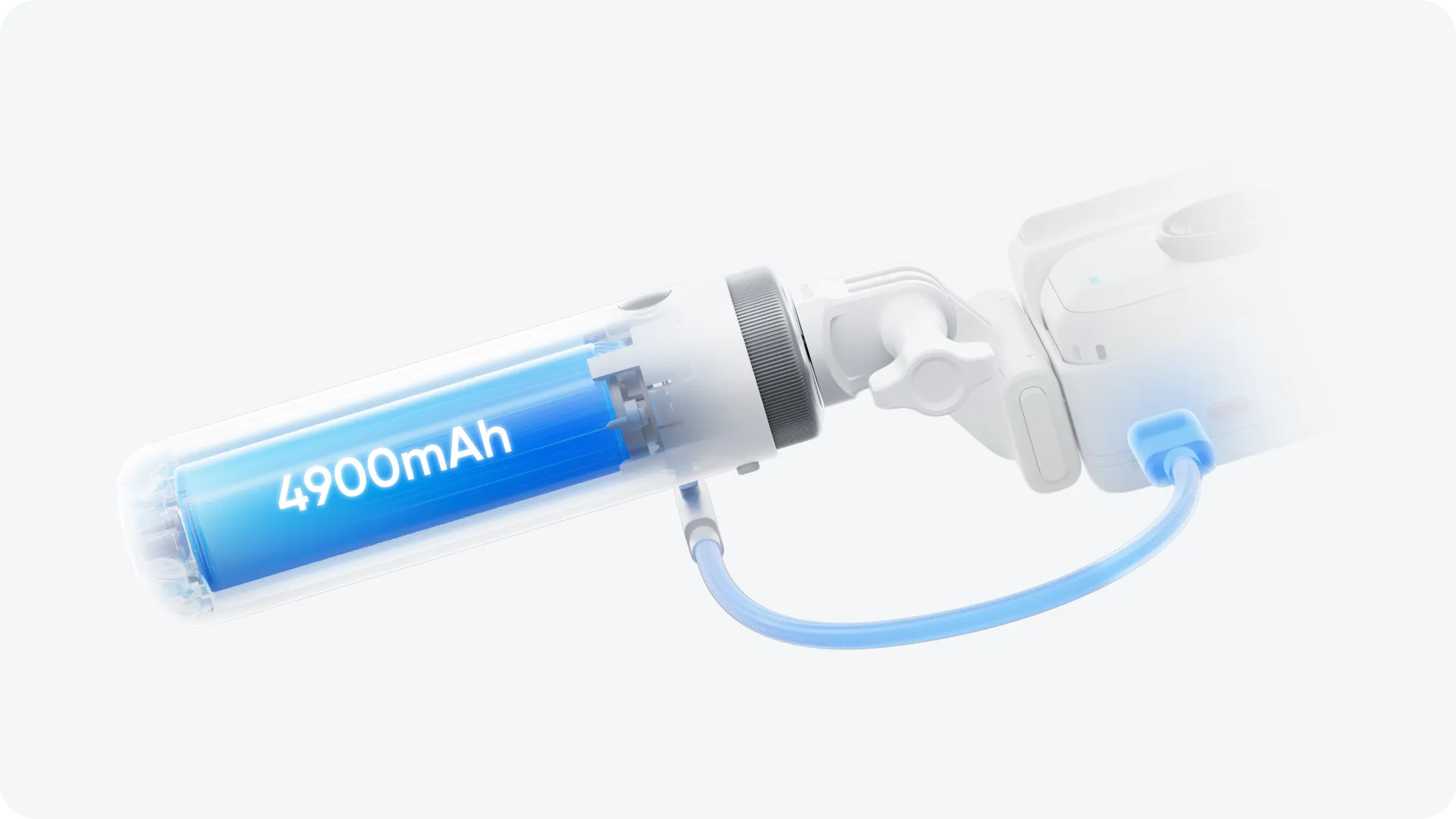
- 4800mAh battery supports charging and shooting at the same time.
- Direct, one-touch camera control for instant recording.
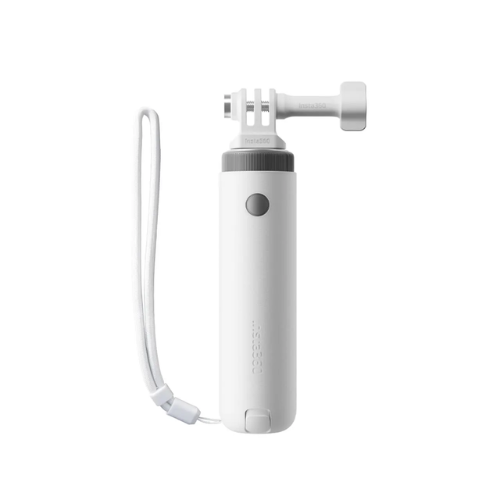
- Universal 1/4" mount to attach accessories while keeping handheld shots stable.
- Built-in tripod to quickly switch to a desktop stand for steady vlogs or streaming.
- Compact design that doubles as a portable power hub.
- GO Ultra Quick Release Mount Sold separately
Mini Power Handle
Your all-day camera aide.
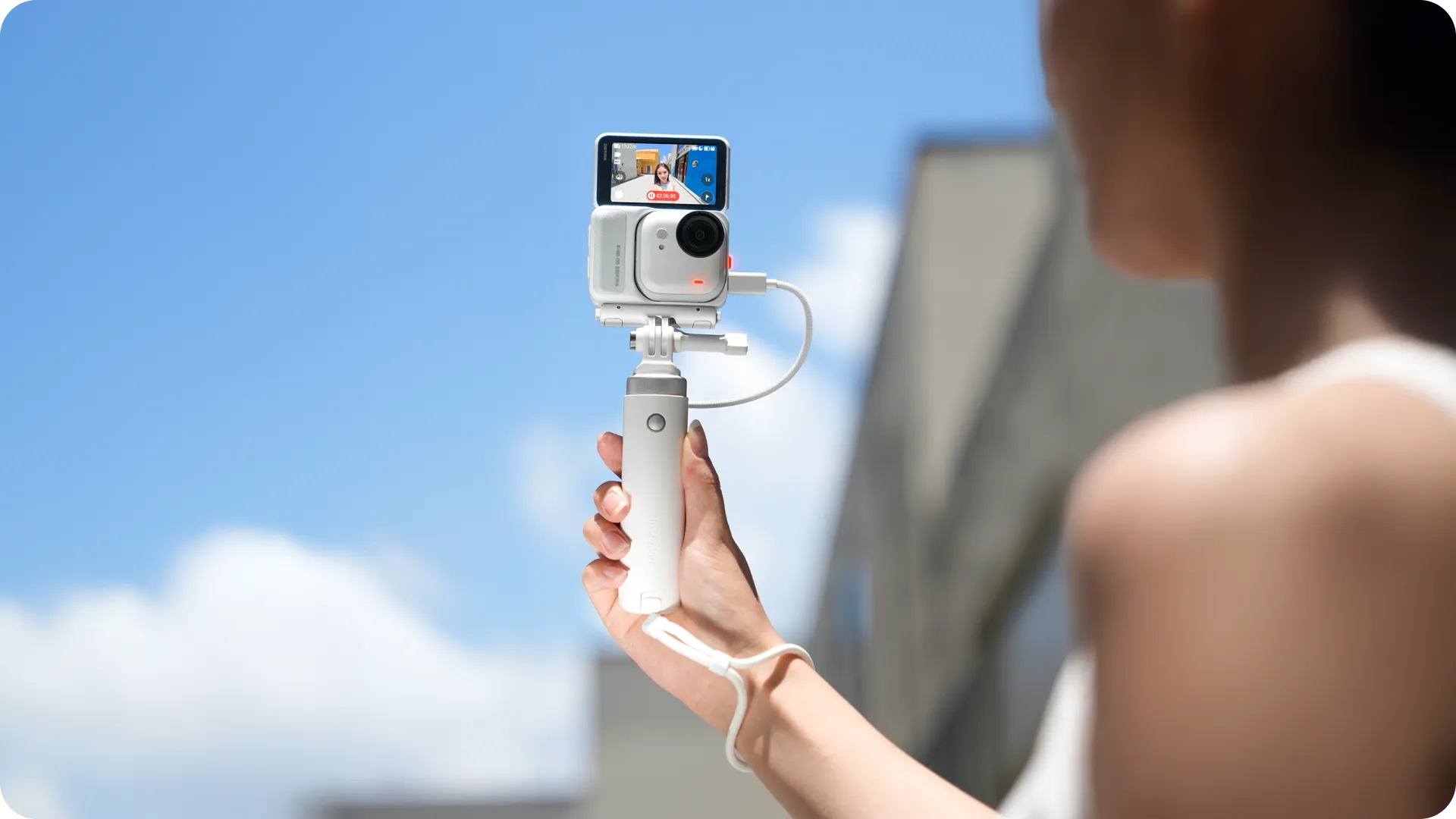
Power that keeps up.
Shoot and charge at the same time so you never miss a thing.
Full control at your fingertips.
Connect directly to Insta360 Ace Pro 2 or GO Ultra for instant recording.

Stands to attention.
Features a handle that flips into a stable desktop tripod whenever you need it.

Shoot your way.
Attach your favorite Insta360 accessories to unlock new shooting possibilities.
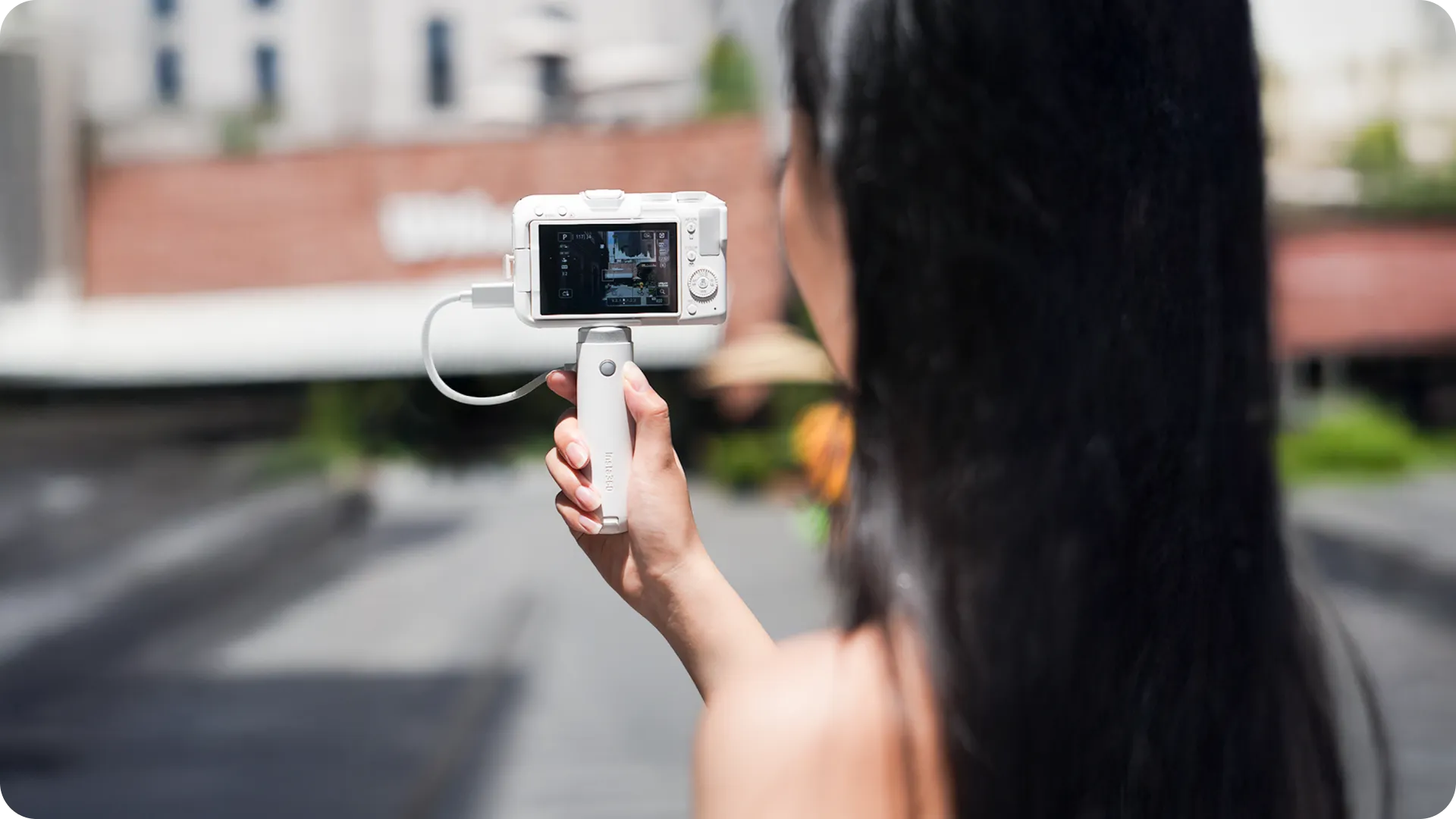
Mini but mighty.
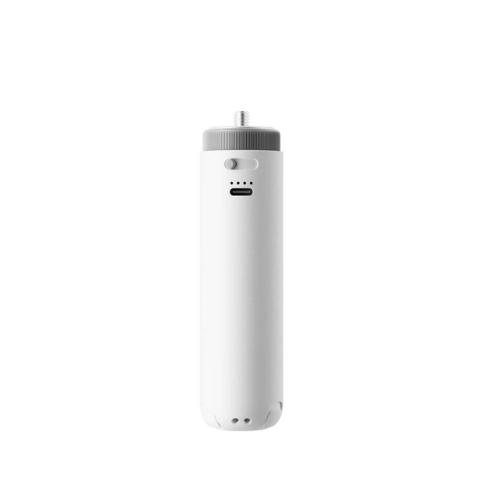
Attach to the 1/4" mount to store, charge, and power up wherever you go.

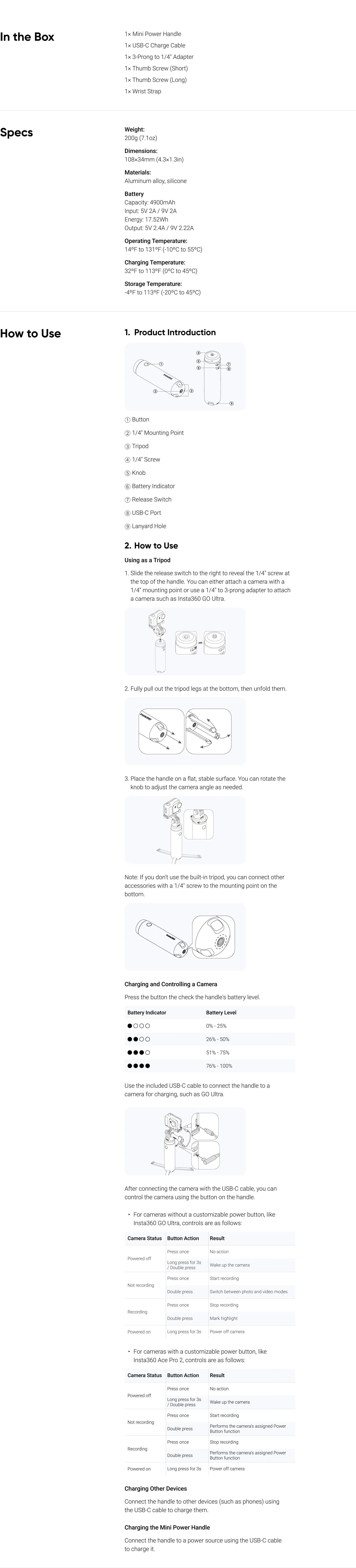
Notes
- Do not use the Mini Power Handle in the rain or around water to avoid damage from moisture entering the USB-C port.
- Avoid dropping, crushing, or throwing the handle. Don't place heavy items on it.
- Make sure your camera or gear is securely mounted to the handle to prevent it from falling.
- Use the tripod only on flat, stable surfaces in wind-free conditions to avoid tipping over.
- If the USB-C port gets dirty, clean it gently with a dry, lint-free cloth.
- To control your camera with the handle, use the included USB-C cable. Other cables might not support camera control.
- Do not store or use the handle in extreme temperatures, as this can reduce battery life.
- If you have not used the handle for a long time (e.g., 3 months), the battery might run out. Be sure to charge it before use.
- When charging the handle, use a proper power adapter to avoid reverse charging other devices.
- When not using a camera, you can retract the 1/4" screw by sliding the release switch to the right and pressing the screw down.
- When not using a camera, you can retract the 1/4" screw by sliding the release switch to the right and pressing the screw down.