


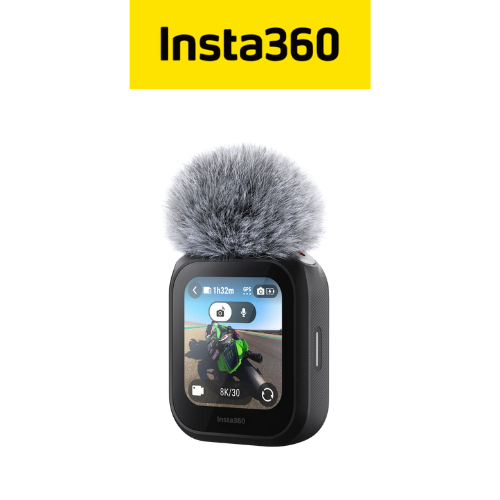
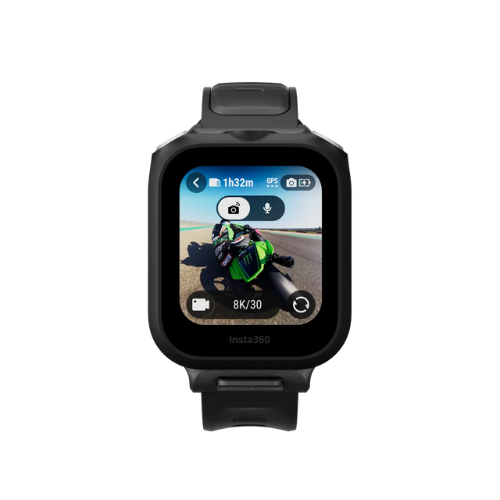
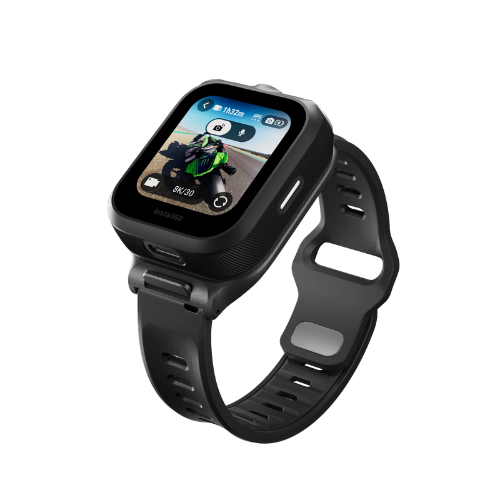
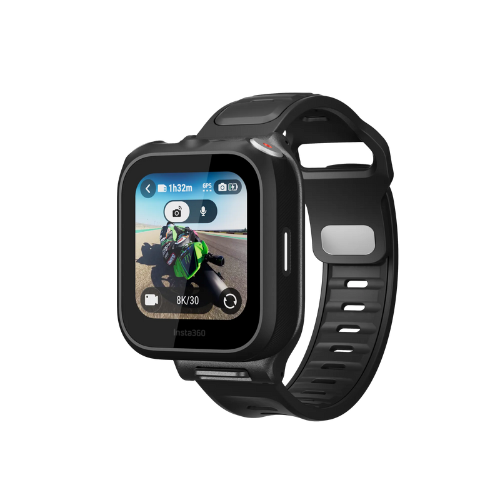


Insta360 GPS Preview Remote with Built-In Mic
-
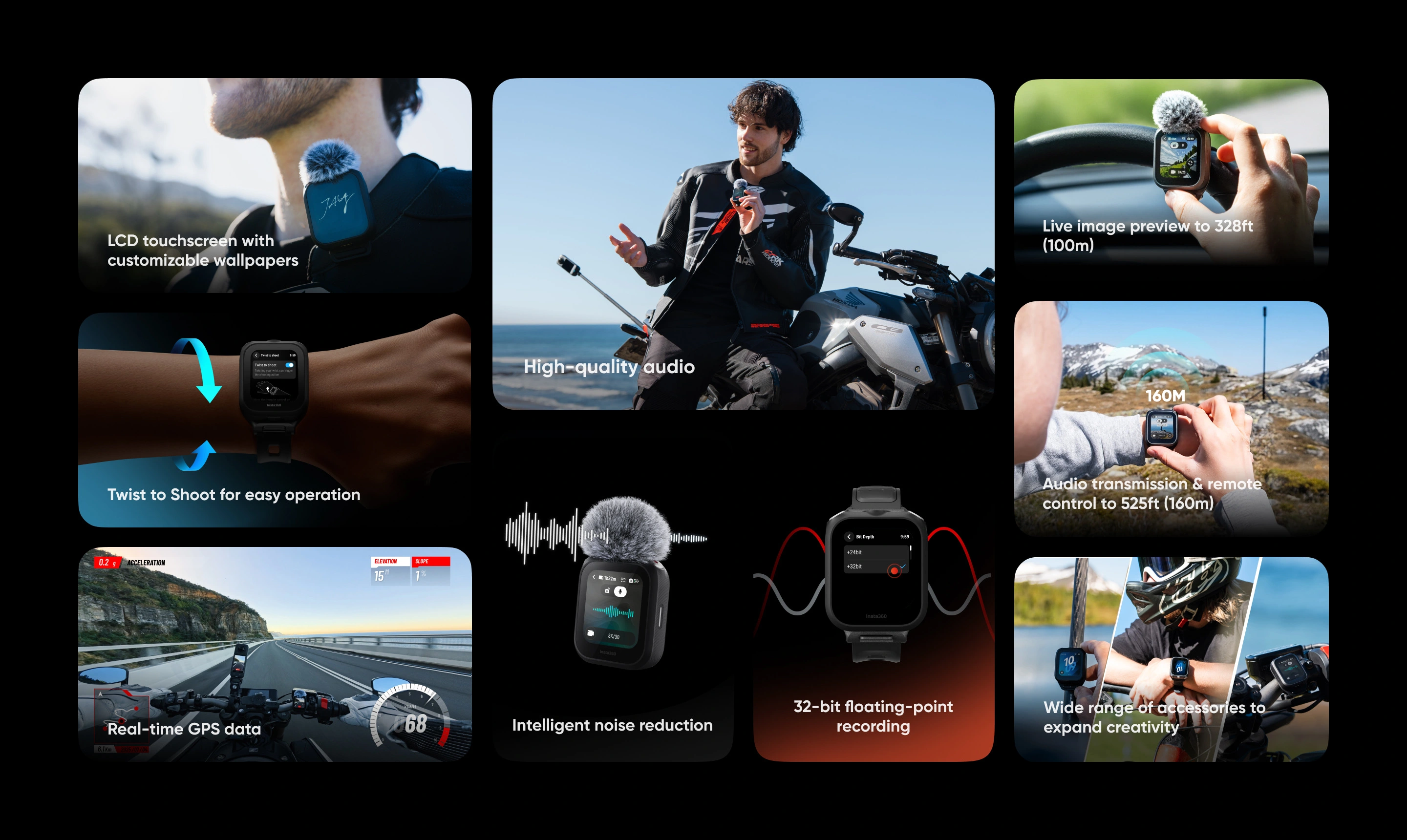
All-in-one remote to streamline your creative workflow. Pair with Insta360 Ace Pro 2 or X5 for live image preview, remote control, audio recording, and real-time data.
-
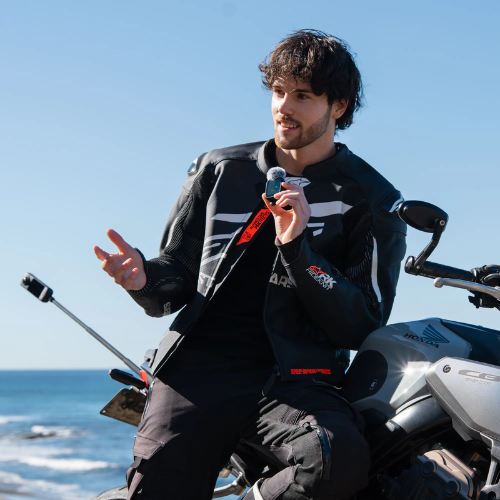
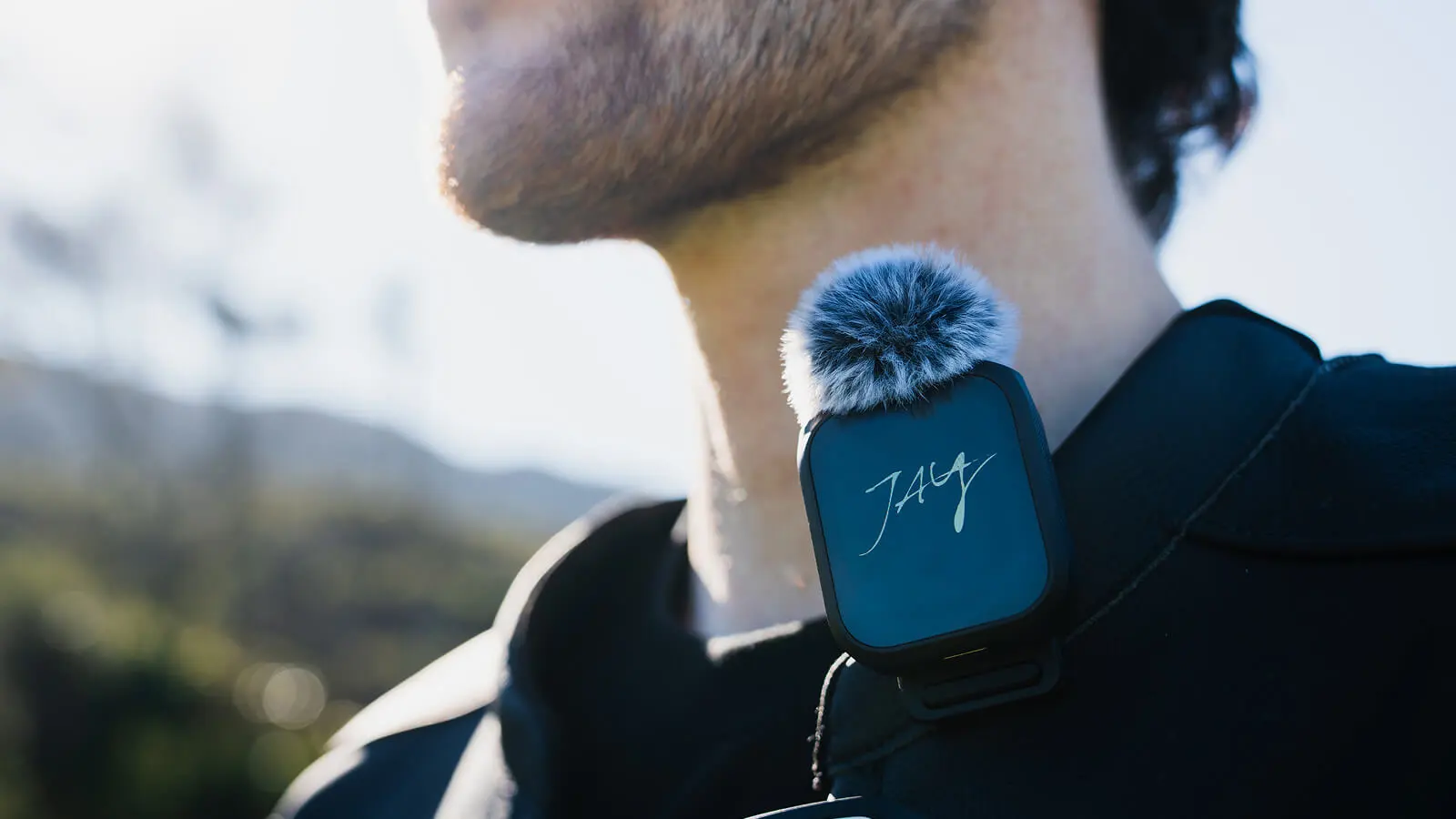
Built-in microphone delivers high-quality audio, with two adjustable noise reduction modes for clear sound. Record in 24-bit (default) or 32-bit floating point.
-
Stable remote control and audio transmission up to 525ft (160m).
-
Built-in GPS accurately records data such as route, speed, and direction.
-
Easily import and sync speed, elevation, and GPS data to your videos in the Insta360 app or Studio.
-
Live image preview for perfectly framed shots and remote control to adjust settings up to 328ft (100m).
-
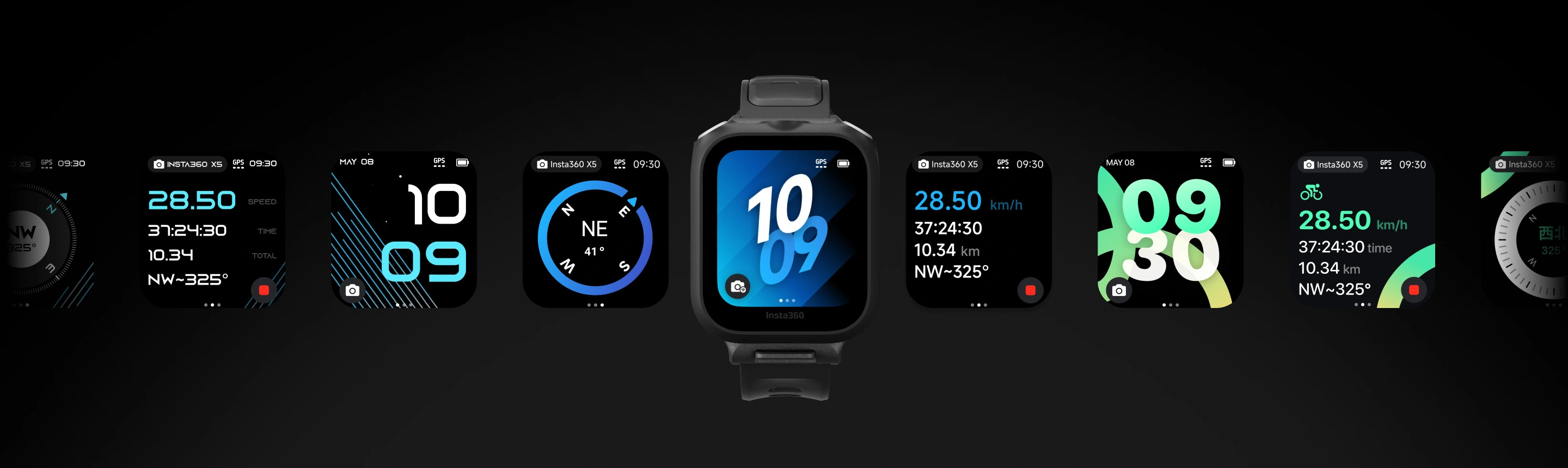
LCD screen with customizable wallpapers to show off your style or display your brand's logo.
-
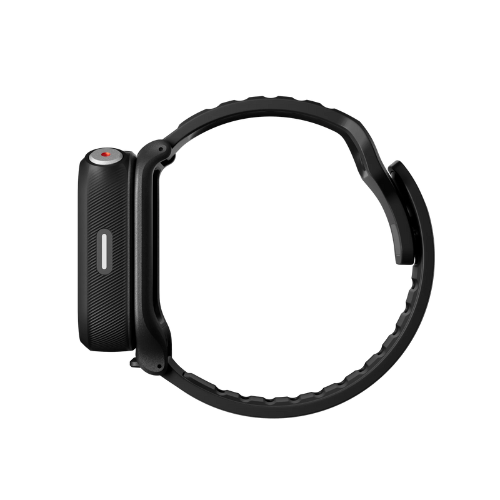
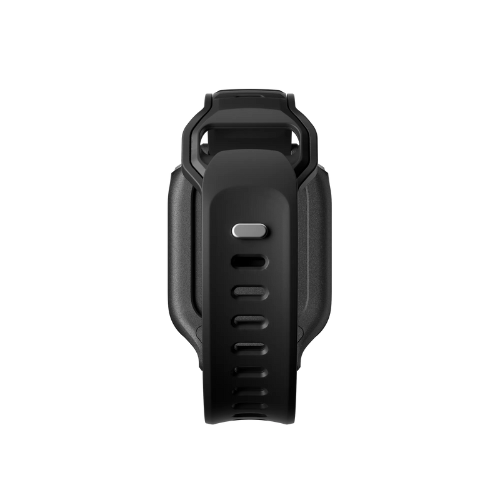
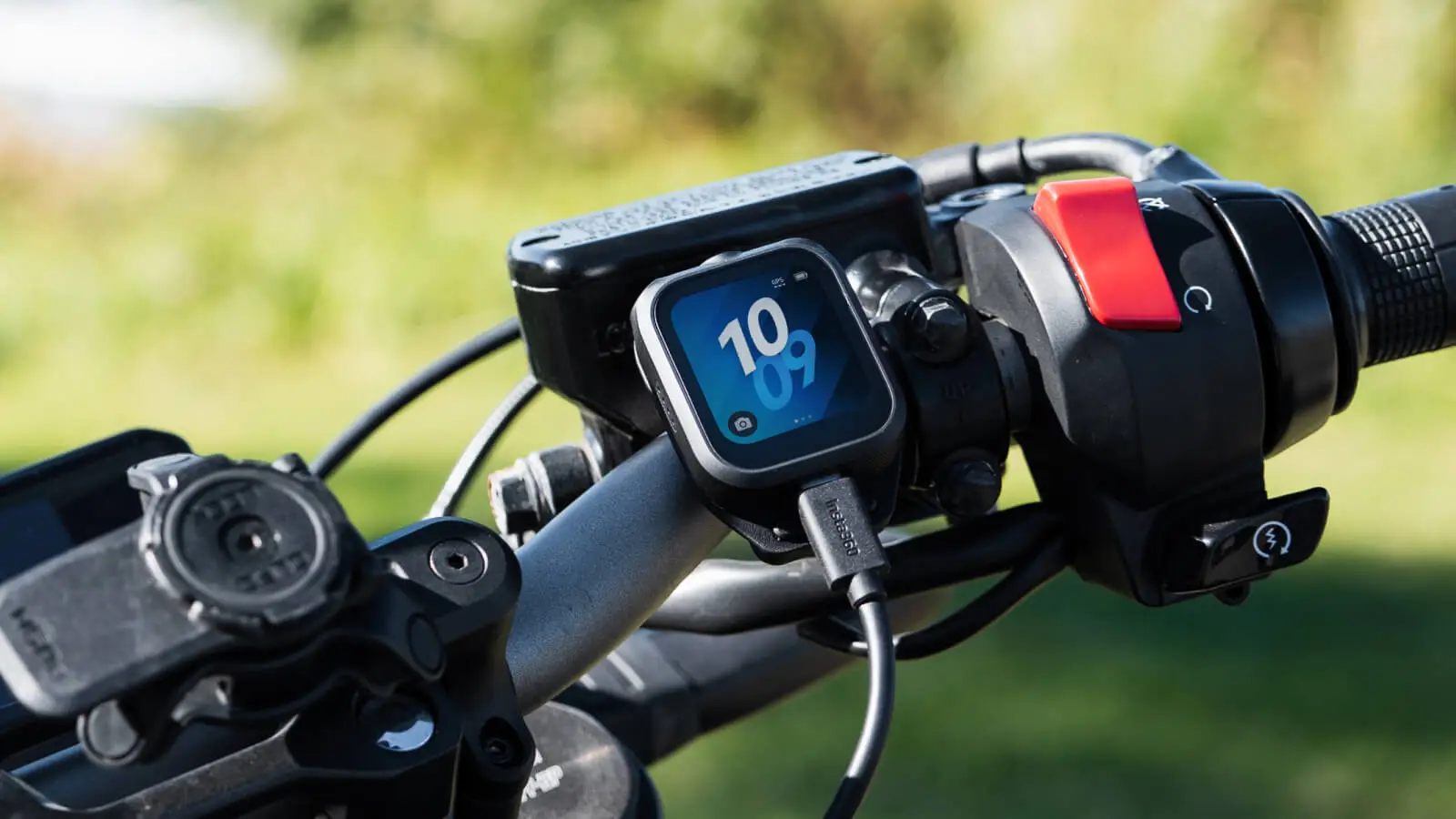
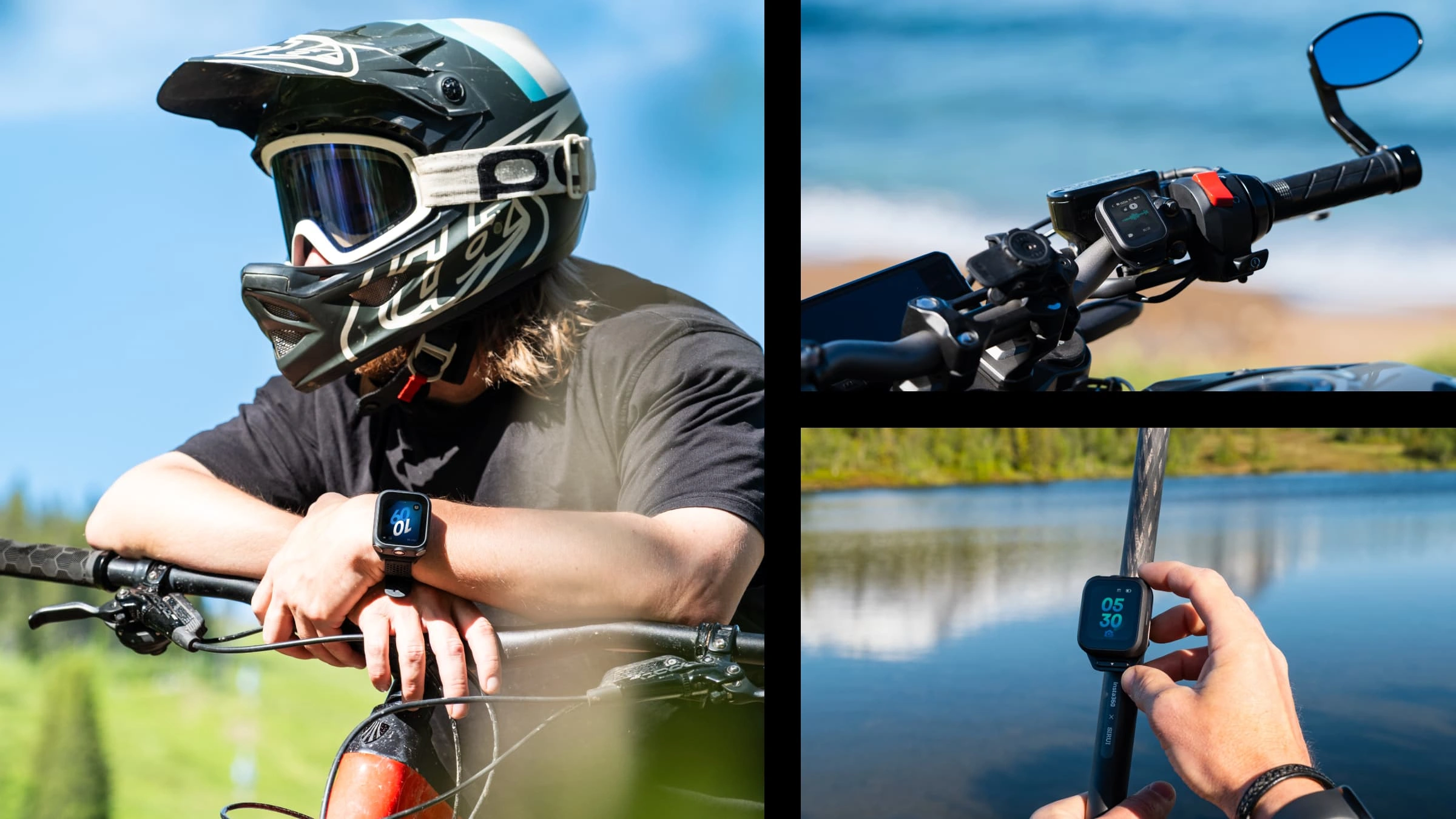
Choose from multiple creative mounting options, with included accessories to attach the remote to your wrist, handlebars, selfie stick, or shirt collar.
-
Keep up to date with the latest official firmware for the best experience.
GPS Preview Remote with Built-In Mic
Shoot further. Sound better. Stay in control.

SMOOTHER SHOOTING, CLEARER AUDIO.
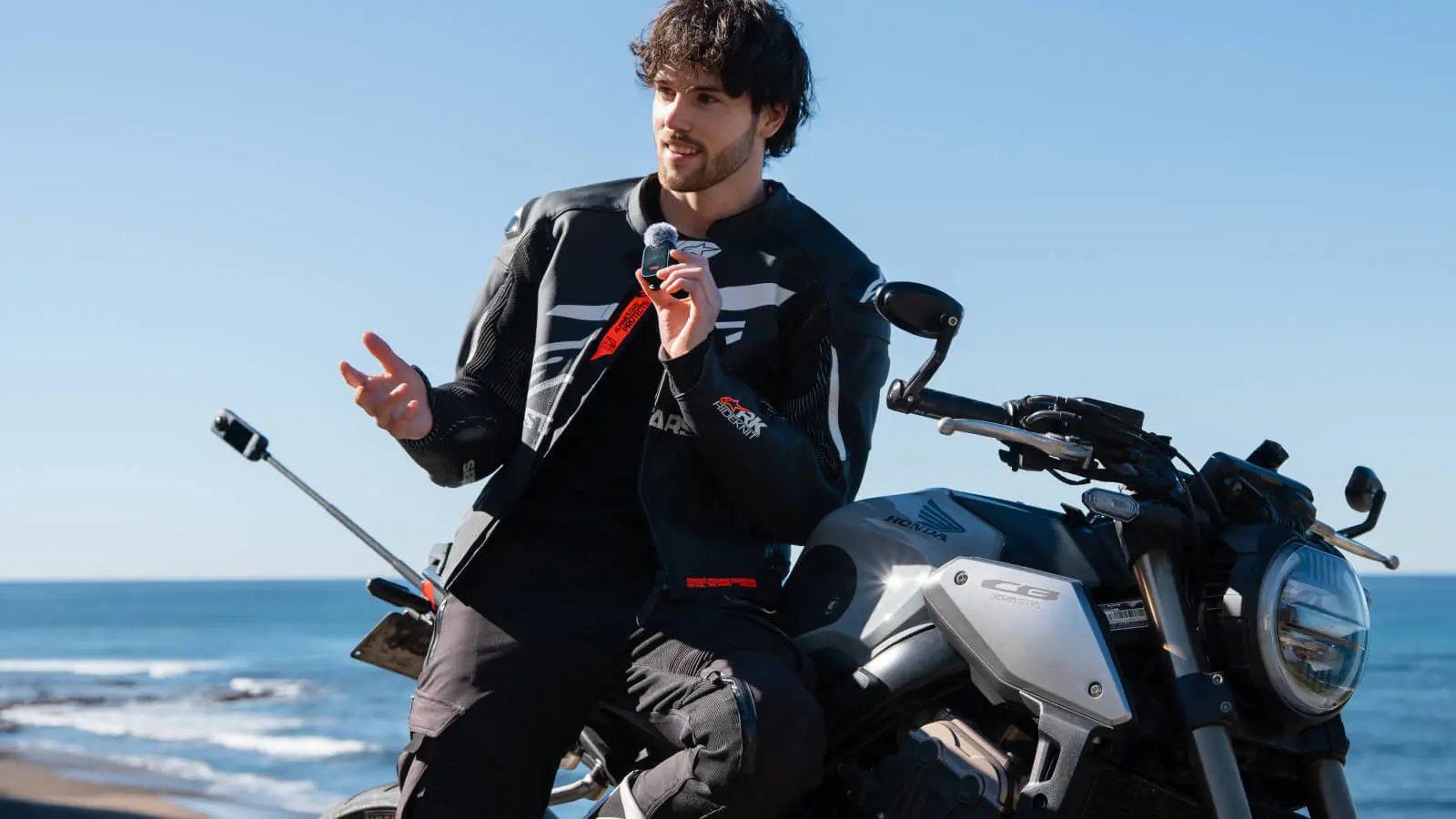
4-in-1 tool compatible with Insta360 X5 and Insta360 Ace Pro 2 to streamline your creative workflow. Delivers professional-grade audio with clear vocals and pure sound.
INTELLIGENT NOISE REDUCTION.
Cut through the noise with two adjustable noise reduction modes. Strong keeps voices crystal clear in noisy environments or at high speeds, while weak preserves ambient sounds and voices for quieter indoor settings.
SUPERIOR AUDIO, NO MATTER WHAT.
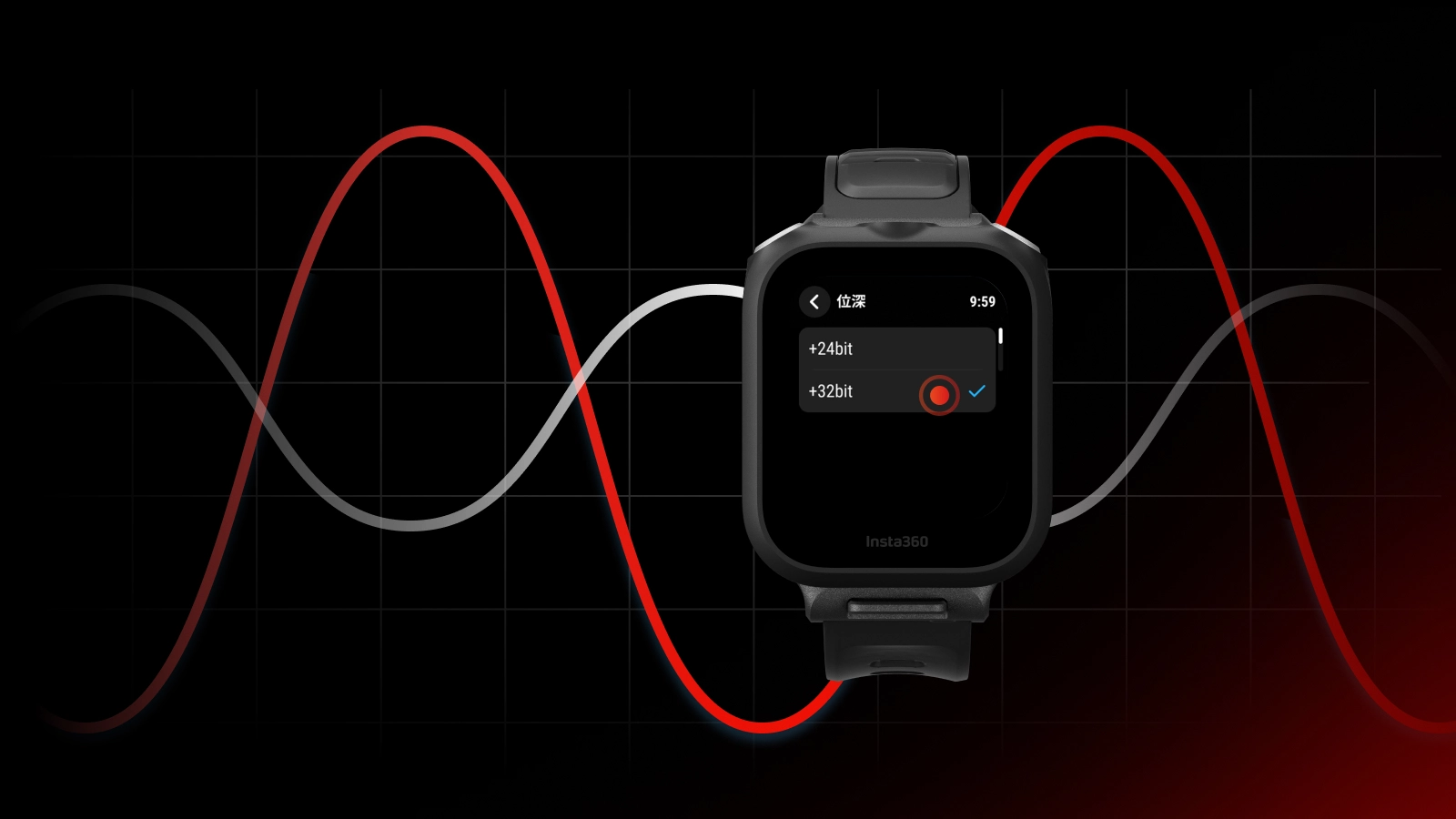
32-bit floating-point recording ensures every detail is heard, no matter what's going on around you.
FULL CONTROL AT YOUR FINGERTIPS.
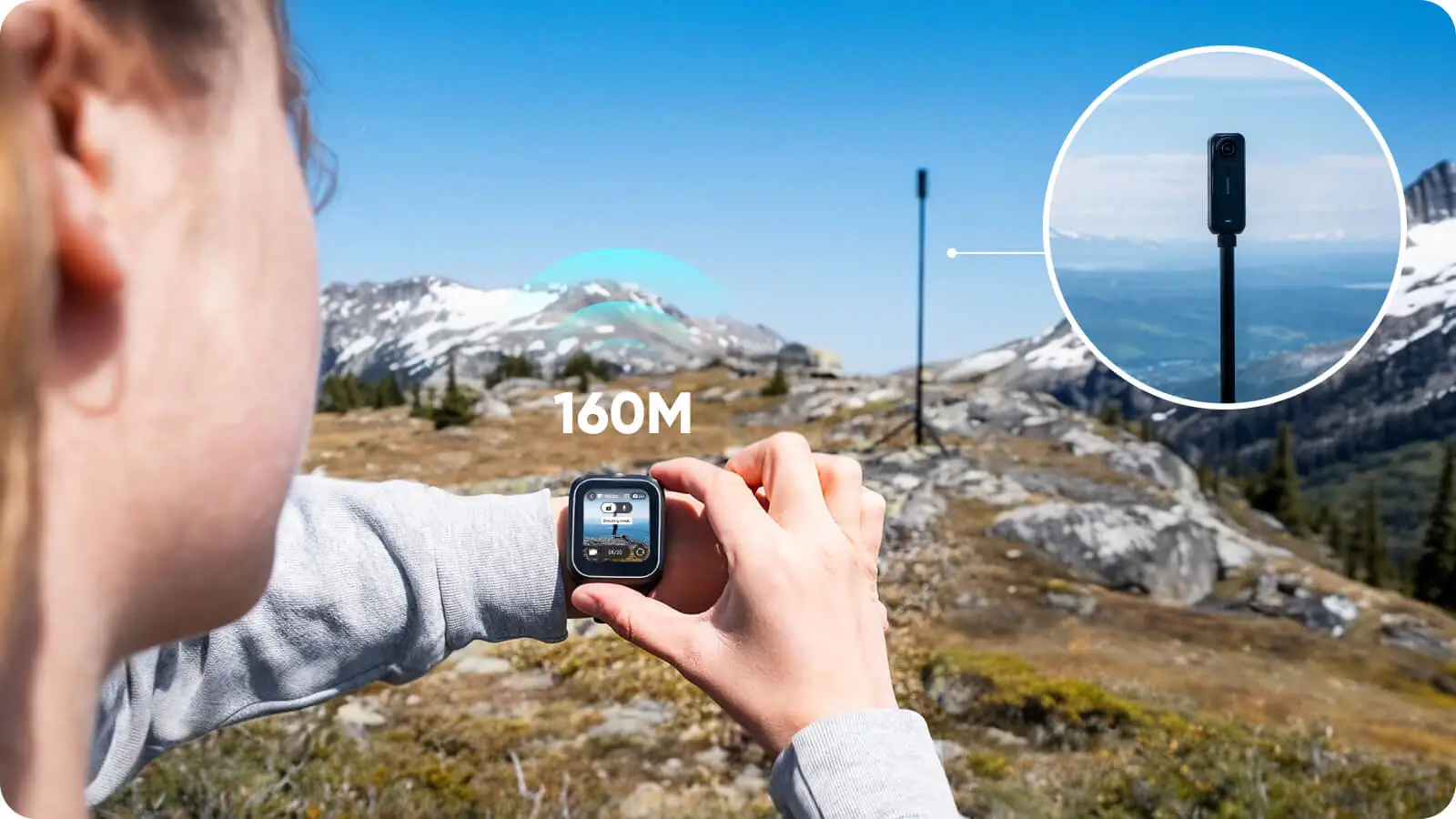
Take command with rock-solid remote control—start shooting, adjust camera settings, preview 360 shots*, and wake up your camera from up to 525ft (160m) away**.
SMARTER SHOOTING.
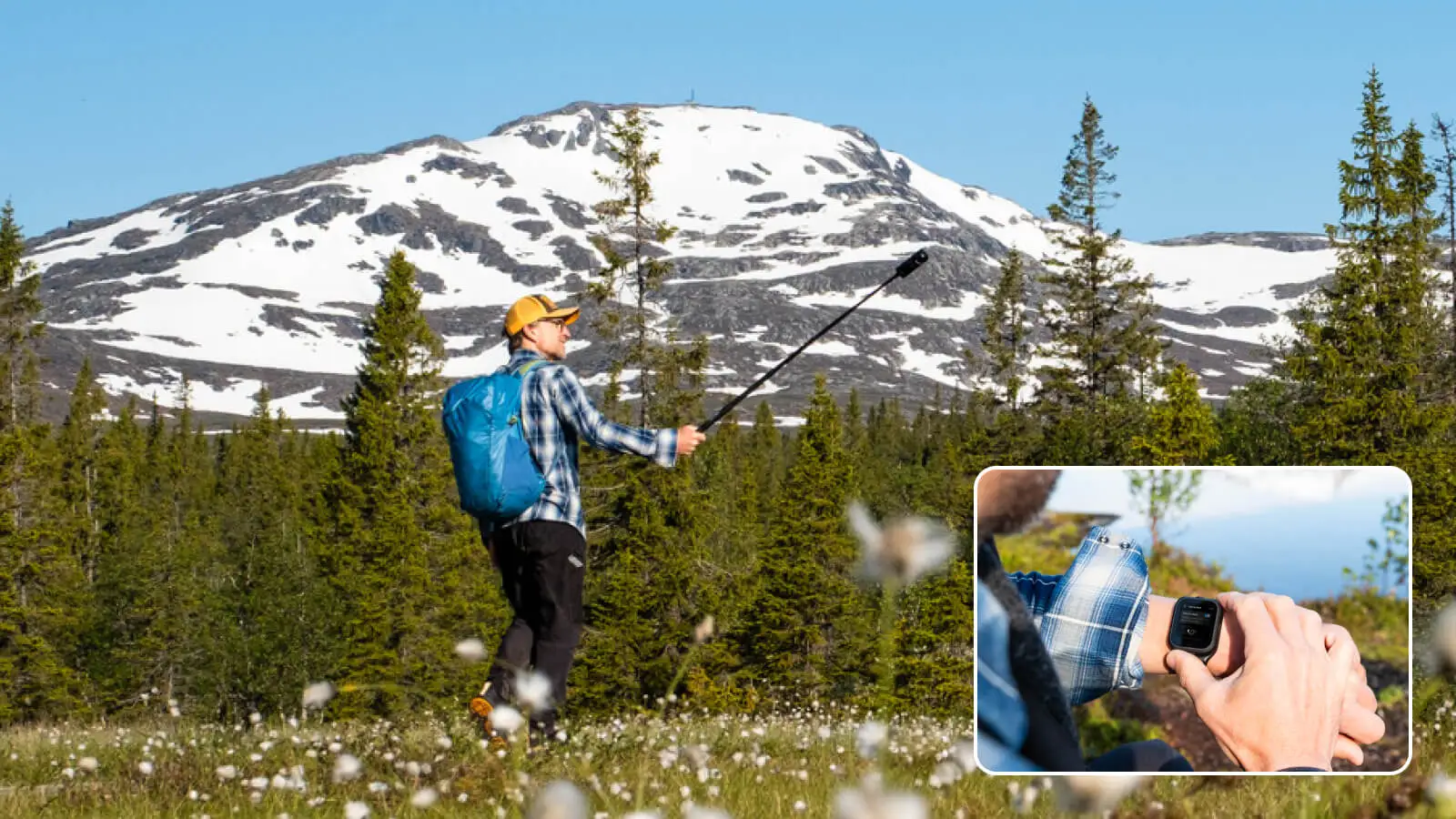
Wear the remote on your wrist and twist it twice to start shooting instantly—or, go hands-free and start filming with just your voice*. It's never been this easy.
SHOW OFF YOUR STATS.
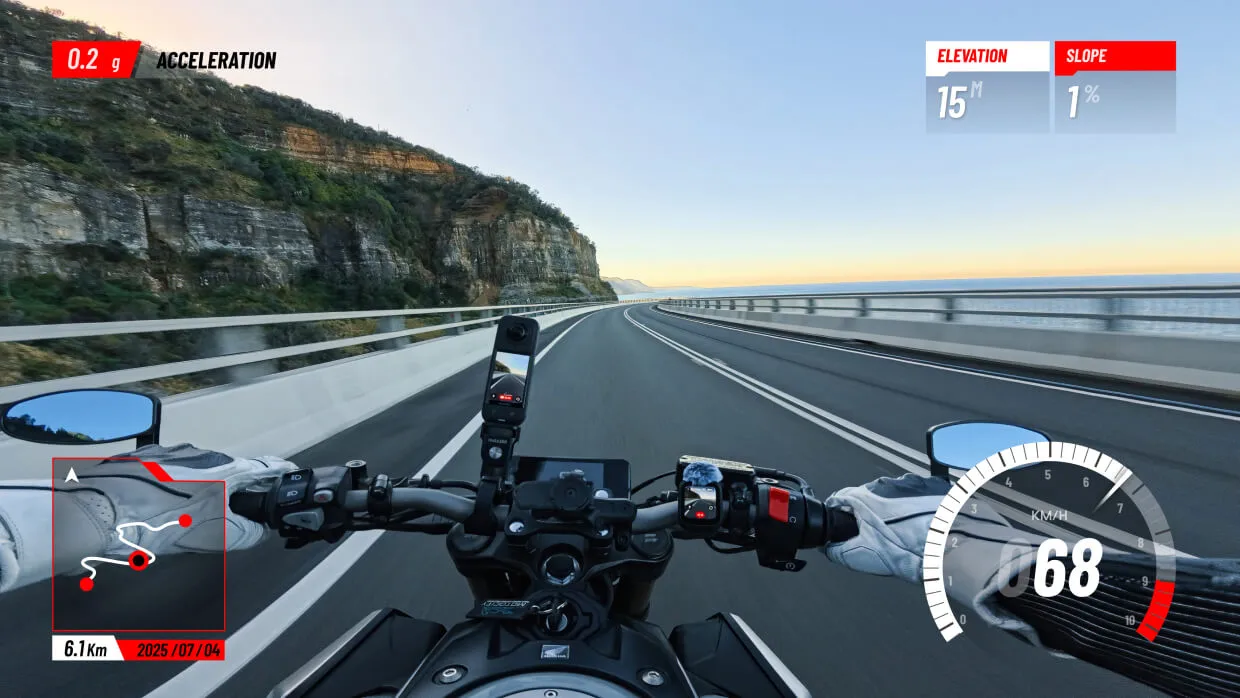
Collect real-time data such as speed, route and location, and easily add it to your videos in the Insta360 app or Studio
REAL-TIME GPS DATA.
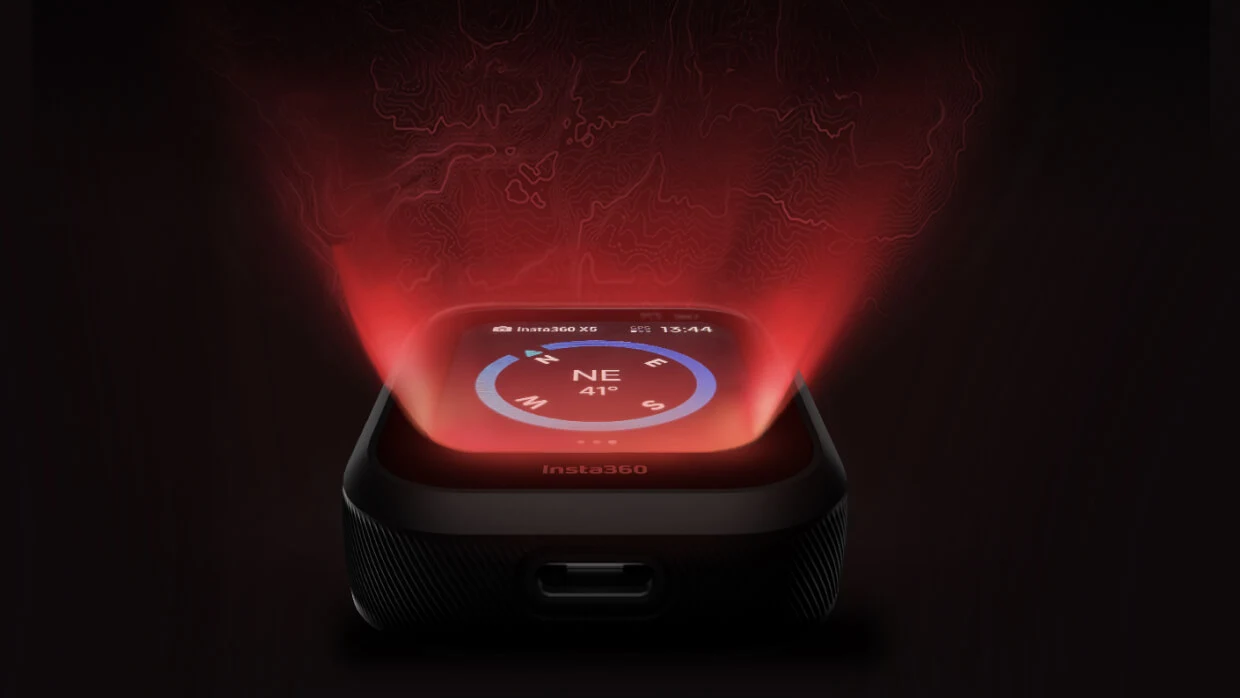
GPS, BeiDou, Galileo, and GLONASS systems work together to accurately record every move, every speed burst, and every location. Stay dialed in, no matter the adventure.
NAIL EVERY SHOT.
.png?x-oss-process=image%2Fauto-orient%2C1%2Fformat%2Cwebp%2Fquality%2Cq_100)
Make every shot count without the guesswork. Enjoy live image preview, fine-tune settings, and adjust the angle from up to 328ft (100m)* away.
LCD TOUCHSCREEN
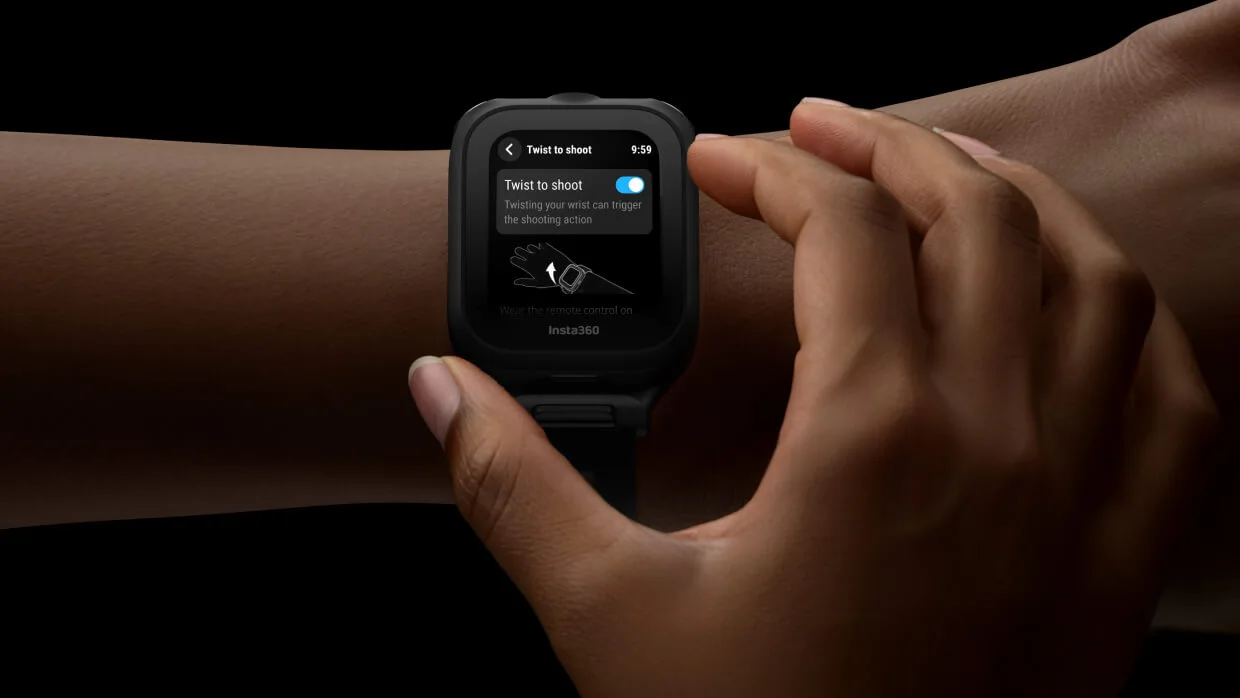
See exactly what you shoot with the clear LCD touchscreen. Adjust settings effortlessly, swipe through a 360-degree preview*, and start shooting with just a tap.
CUSTOMIZABLE WALLPAPER.
Upload your own wallpaper and let your personality shine through, or display your logo to showcase your brand.
LONG-LIFE BATTERY.
Stay powered up with the USB-C port for on-the-go charging as you use the remote. Plus, enjoy up to 7 hours of battery life in Audio Recording Mode*.
MORE ACCESSORIES,UNLIMITED CREATIVITY.
Packed with versatile accessories for complete mounting flexibility. Wear it on your wrist, mount it on your handlebars, or clip it onto your collar. With quick-release mounting options, a mic, live preview, and remote control, you're ready for anything.
STAY UP TO DATE
To keep the camera and remote compatible, keep both up to date with the latest official firmware. Connect the remote to the Insta360 app to check for new firmware.
HOW TO UPDATE FIRMWARE:
Open the Insta360 app and head to Me > Device Settings - Accessory Settings and connect to the remote. If a firmware update is available, follow the on-screen instructions to update the remote.
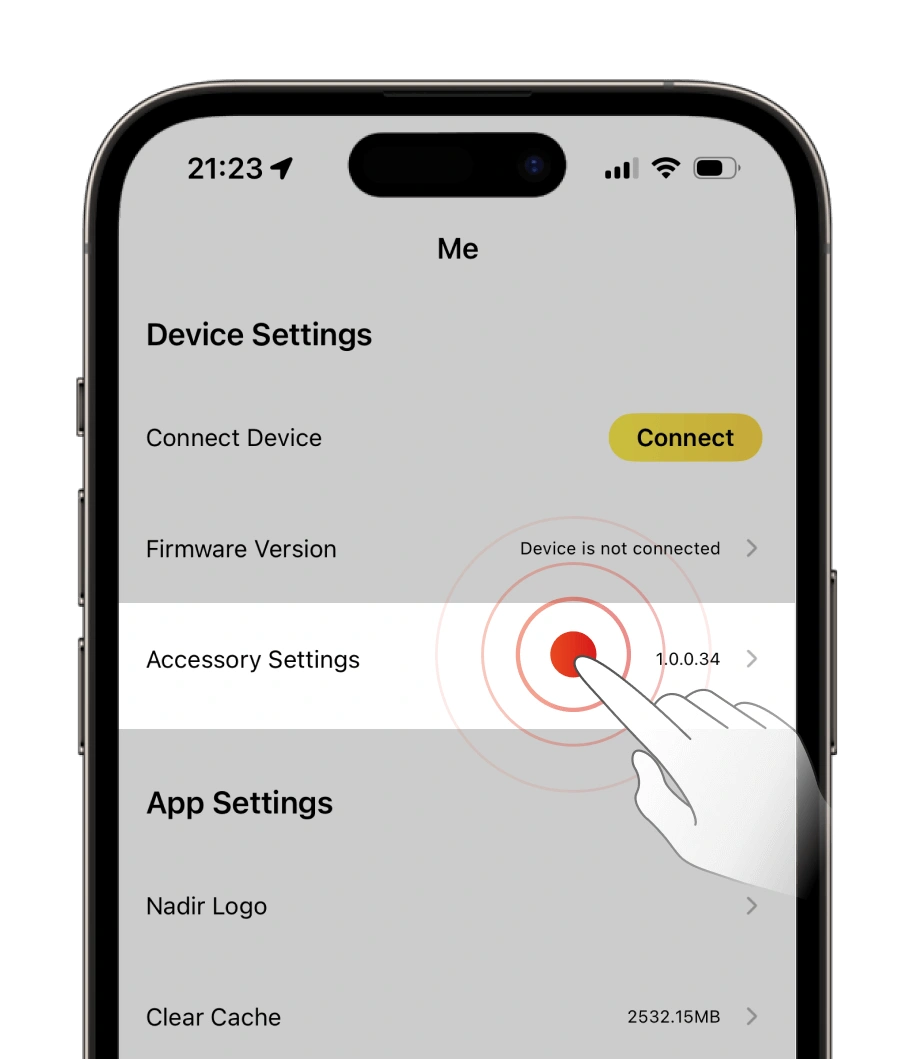
1.
Open the Insta360 app > Me > Device Settings - Accessory Settings.
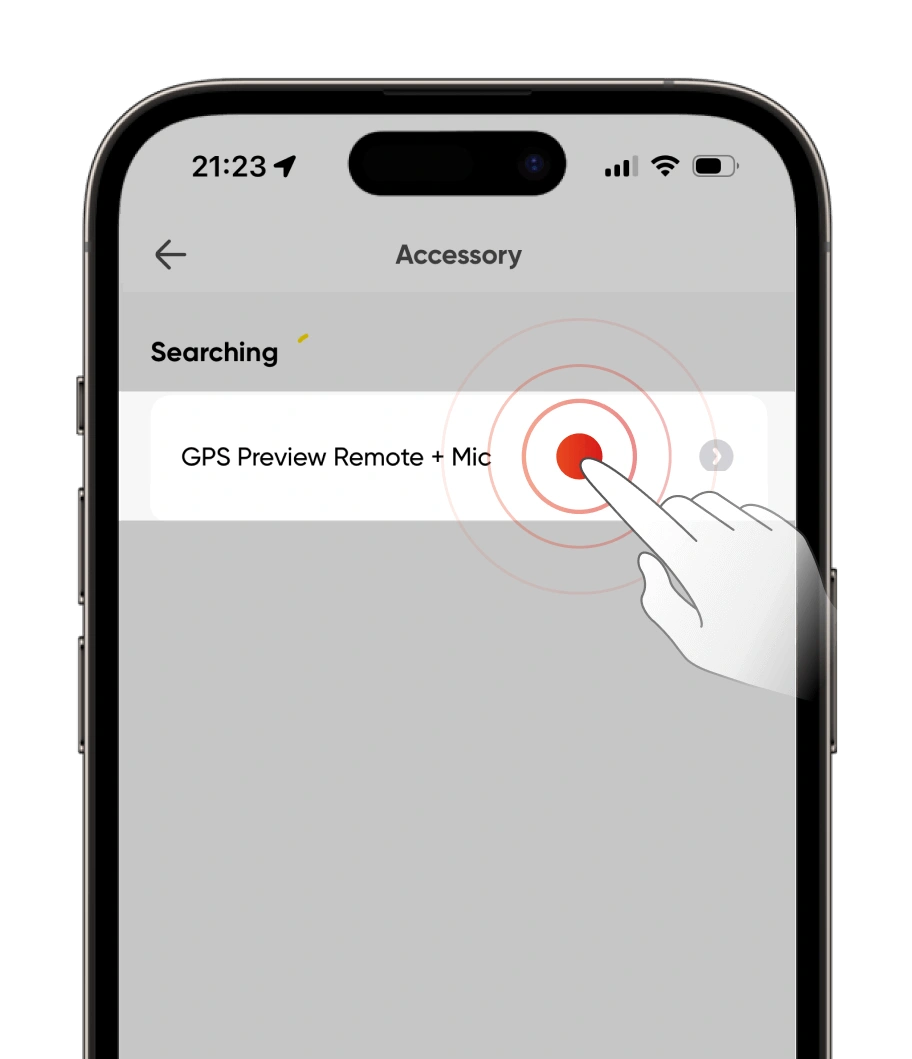
2.
Tap the remote to connect.
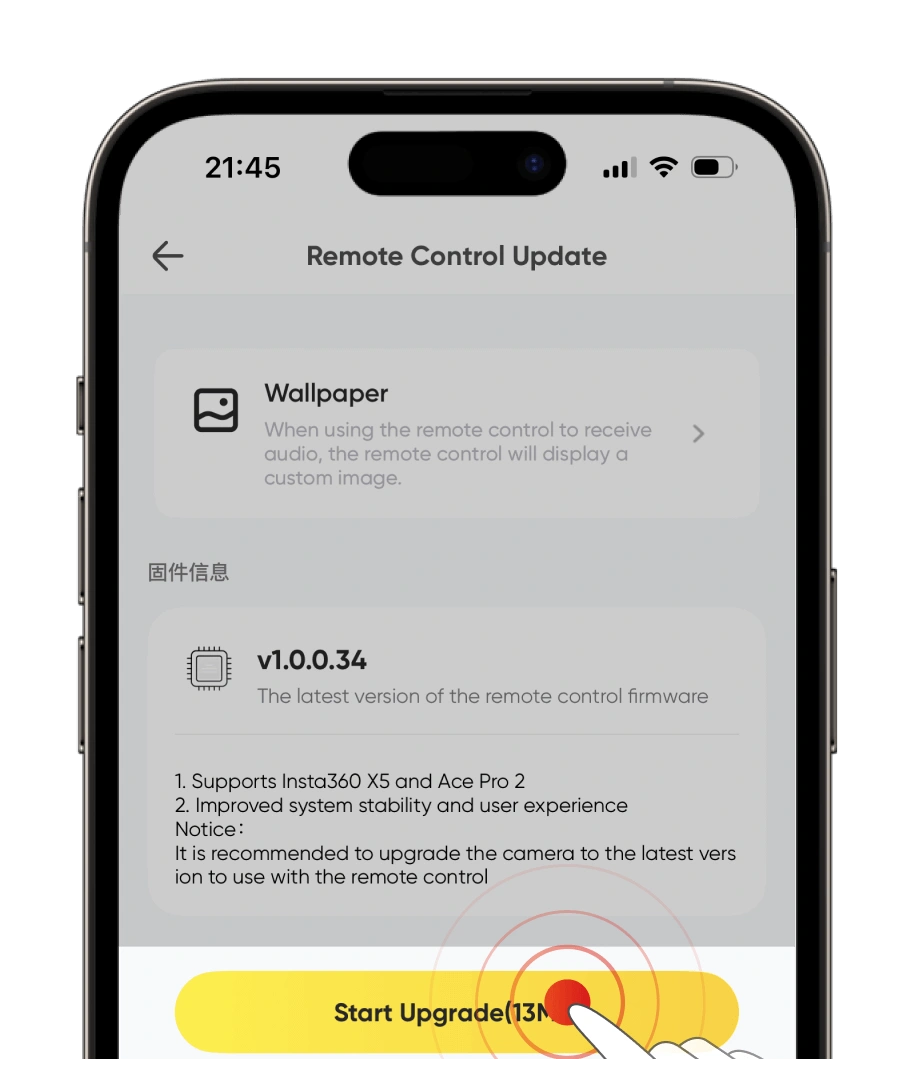
3.
If a firmware update is available, update the remote.
4.
The app will automatically download and transfer the new firmware to the remote. Ensure the phone screen is on and do not exit the app.
5.
The remote will automatically restart once the transfer is complete and start the update. You can view the update progress on the remote's screen. When the update is finished, you can use the remote as normal.
IN THE BOX |
1× GPS Preview Remote with Built-In Mic 1× Mic Fur Cover 1× Clip 1× Wrist Strap 1× Remote Base 2× Button Stickers |
SPECS |
Weight: 44.6g (1.6oz) Dimensions: 48.7×41.6×15.8mm (1.9×1.6×0.6in) Material: Plastic, glass, metal, silicone |
NOTES |
|